
|
Do it yourself
| |||
| ||||


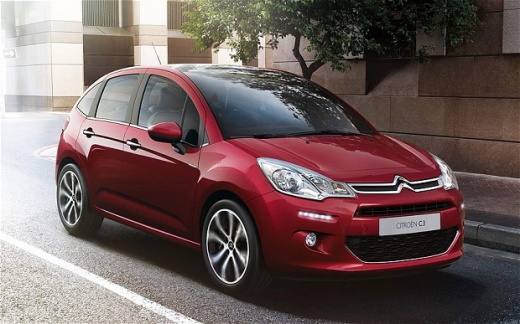
How to reset the engine warning light on a Citroen C3?
Model: Citroen C3
SC
- Years:
2009, 2010, 2011, 2012, 2013, 2014, 2015, 2016
Video tutorial
Follow these steps to reset the engine warning light on your vehicle using a diagnostic tool. Connect the module to the OBD port located on the left side of the dashboard, near the bottom left, and also connect the tool to your PC via USB. Open the software, turn on the ignition, wait for the check to complete, then select the car model. The system will identify the active error types along with their corresponding error codes. At this point, you can reset the existing error code by confirming with "ok".
Updated on 27 June 2026 by ScegliAuto
Related tutorials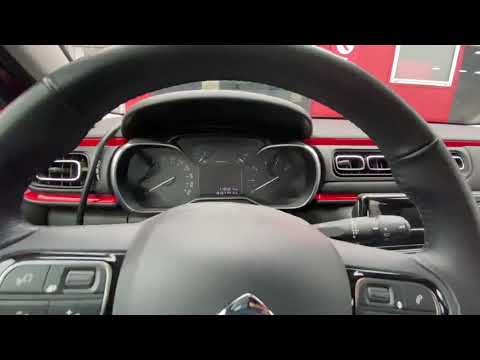
Citroen C3
(2016-2023 /
SY, SX)
In today's video, understand the necessary instructions to reset the tyre pressure warning light on the Citroen C3 third series; before performing th…

Citroen C3
(2024-2026 /
Cc21)
Let's see in this video how to reset the tire warning light on a 2024 Citroen C3, which lights up not only on the central display but also on the mul…

Citroen C3
(2009-2016 /
SC)
When the engine light comes on, it indicates that the vehicle requires an oil and filter change, so perform the scheduled maintenance. This maintenan…
Other guides you may be interested in
|
Frequently Asked QuestionsHow to replace the handbrake button on the Opel Mokka?
The handbrake button on the Opel Mokka can be replaced without going to a mechanic. The installation system is snap-fit with plastic clips and does not require special tools. First, remove the old button, possibly using a flat screwdriver to pry it off. Next, check for any fragments and remove them using tweezers if necessary. At this point, install the new button by placing it in its seat and applying light pressure to snap the clips into place. by ScegliAuto More videos
|
|
For advertising on this site Write to info@scegliauto.com
ScegliAuto is not responsible for any inaccuracy of the data in the lists. To report any inaccuracy or your business (if you own the business in question), please write to info@scegliauto.com
Number of seconds to generate the page: 0.025
(c) ScegliAuto 2026 - info@scegliauto.com - Privacy policy VAT number: IT01247470535 |
