
|
Do it yourself
| |||
| ||||


How to change the units of measurement on the display of the Citroen C3?
Model: Citroen C3
SC
- Years 2009-2016
In this video, we see how to modify the units of measurement on the display of the Citroen C3: on the left side of the screen, we see that there are three buttons: the middle one is the menu button. We press it until we reach the option that interests us, namely "units" (implied: "of measurement"). With the lower button (ok), we enter the submenu that takes us to "temperature measurement". We scroll until we reach "Celsius". We go back to the "menu" and go to "fuel consumption measurement" where we select "kilometers per liter"; now we can go back to our instrument panel, where we have the selected indications according to our preferences.
Posted on 25 November 2023 by ScegliAuto
Video tutorial
Related tutorials
Citroen C3
(2002-2009 /
FC, FN)
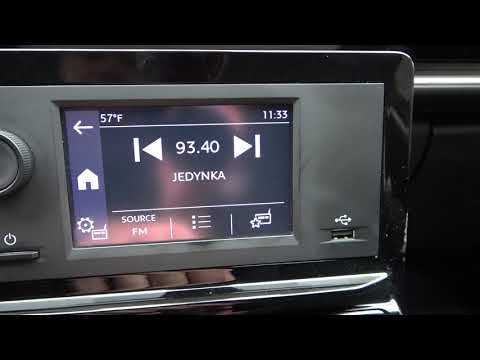
In the following guide, we will explain how you can switch from km/h to mph and vice versa on the instrument panel of your first-generation Citroen C…
Citroen C3
(2009-2016 /
SC)
In this video we will see how to change the temperature units of the Citroen C3. From the on-board computer go to the 'Menu' button and then to 'Sett…

Citroen C3
(2009-2016 /
SC)
In this video we see how to change the indication on the speedometer of a Citroen C3 from kilometers to miles and vice versa. On the sides of the spe…
Other guides you may be interested in |
How to Reset the Service Light on a Fiat 500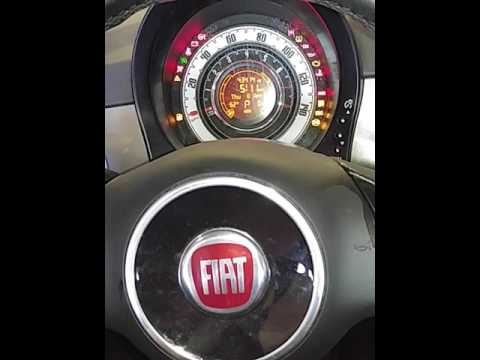
In this video, learn how to reset the oil maintenance service indicator on a Fiat 500. This is a very simple operation. Enter the vehicle and turn on the ignition. Press the accelerator pedal three times in quick succession, then release the pedal. Turn off the ignition and remove the key from the ignition lock. Reinsert the key and turn on the ignition, then wait for the indicator to illuminate. Finally, check the changes made to the car. Always remember to perform onboard computer modifications with the engine off. by ScegliAuto More videos
|
|
For advertising on this site Write to info@scegliauto.com
ScegliAuto is not responsible for any inaccuracy of the data in the lists. To report any inaccuracy or your business (if you own the business in question), please write to info@scegliauto.com
Number of seconds to generate the page: 0.061
(c) ScegliAuto 2026 - info@scegliauto.com - Privacy policy VAT number: IT01247470535 |
