
|
Do it yourself
| |||
| ||||


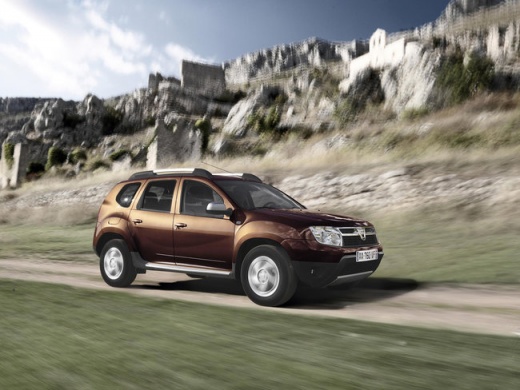
How to Replace the Rear Light on a Dacia Duster MK1
Model: Dacia Duster
MK 1, HS
- Years:
2010, 2011, 2012, 2013, 2014, 2015, 2016, 2017
Video tutorial
Let's see how to replace the rear light on a Dacia Duster MK1: first, remove the damaged or broken rear light. With the right tools, unscrew the fixing screws and detach the light unit from the bodywork. Then disconnect the bulb holder. Detach the electrical connector and the bulb holder from the light, being careful not to damage the wires. We found the new light on eBay with code 263763684126 for £56.99 with free delivery. Install the new light, securing it with screws and ensuring it is well aligned; check that everything works. Turn on the position lights, indicators, fog lights, and brake lights. If everything is in order, the job is complete.
Posted on 11 June 2026 by ScegliAuto
Related tutorials
Dacia Duster
(2010-2017 /
MK 1, HS)
Today's information will show us how to disassemble and replace the rear taillight and its bulbs of the Dacia Duster. First, we open the rear tailgat…

Dacia Duster
(2017-2024 /
HM, MK 2)
Today's information will allow us to disassemble and replace the rear taillight and its bulbs of the Dacia Duster. First, we open the rear tailgate o…
Dacia Duster
(2010-2017 /
MK 1, HS)
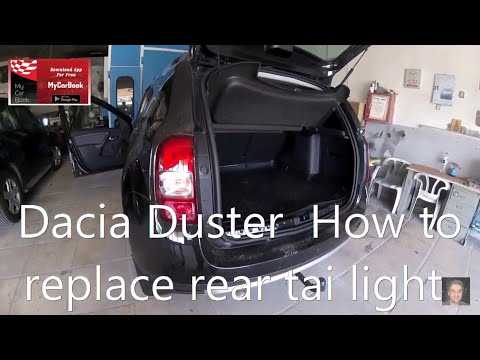
In today's video, you will discover how to remove and replace the rear light on the first series Dacia Duster, in simple and quick steps. First, open…
Other guides you may be interested in
|
How to Set the Time in an Audi A4?
In this tutorial, you will see how to set the time in an Audi A4, a very simple and quick operation to perform after replacing the battery or when the time changes. First, insert the key and turn on the instrument cluster. Then, press the "SETUP" button located on the center console. Next, press the upper left arrow button, navigate to the "Time" option, and use the central knob to adjust the clock. Finally, set any necessary formats and save by returning to the main screen. by ScegliAuto More videos
|
|
For advertising on this site Write to info@scegliauto.com
ScegliAuto is not responsible for any inaccuracy of the data in the lists. To report any inaccuracy or your business (if you own the business in question), please write to info@scegliauto.com
Number of seconds to generate the page: 0.029
(c) ScegliAuto 2026 - info@scegliauto.com - Privacy policy VAT number: IT01247470535 |
