
|
Do it yourself
| |||
| ||||


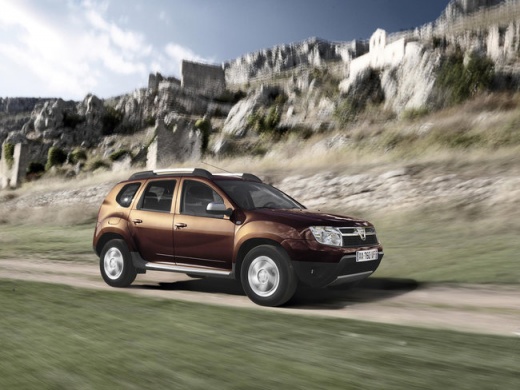
How to Replace Fog Lights on a Dacia Duster
Model: Dacia Duster
MK 1, HS
- Years:
2010, 2011, 2012, 2013, 2014, 2015, 2016, 2017
This video is currently unavailable
Release and lift the bonnet, then disconnect the battery to protect the remaining electronic components. Once these steps are completed, locate the position of the dipped beam bulbs inside the bumper. Disconnect the plug at the back of the headlamp, and by simply removing the rear protective cover, you can work directly on the bulb. Remove the bulb by twisting it and pulling it outwards. Now, replace the bulbs as necessary and retrace your steps for reassembly.
Updated on 23 February 2026 by ScegliAuto
Related tutorials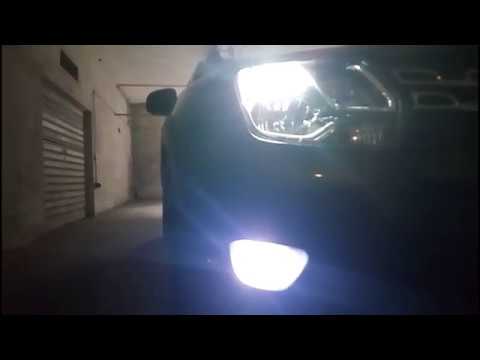
Dacia Duster
(2010-2017 /
MK 1, HS)
Before proceeding with the installation of LED fog lights on the Dacia Duster, position the car on a ramp or flat surface to work safely. Once done, …
Dacia Duster
(2010-2017 /
MK 1, HS)
Watch this video to learn how to replace the bulb/LED in the fog light on a Dacia Duster. Lift the car on a column lift and secure it. Prepare to rem…

Dacia Duster
(2017-2024 /
HM, MK 2)
In the Dacia Duster, all the fuses that control the operation of the devices installed in the car are divided within the appropriate fuse boxes mount…
Other guides you may be interested in
|
How to Set the Time in an Audi A4?
In this tutorial, you will see how to set the time in an Audi A4, a very simple and quick operation to perform after replacing the battery or when the time changes. First, insert the key and turn on the instrument cluster. Then, press the "SETUP" button located on the center console. Next, press the upper left arrow button, navigate to the "Time" option, and use the central knob to adjust the clock. Finally, set any necessary formats and save by returning to the main screen. by ScegliAuto More videos
|
|
For advertising on this site Write to info@scegliauto.com
ScegliAuto is not responsible for any inaccuracy of the data in the lists. To report any inaccuracy or your business (if you own the business in question), please write to info@scegliauto.com
Number of seconds to generate the page: 0.054
(c) ScegliAuto 2026 - info@scegliauto.com - Privacy policy VAT number: IT01247470535 |
