
|
Do it yourself
| |||
| ||||


Removing the Switch Panel Renault/Dacia
Model: Dacia Dacia Various
Video tutorial
In this video, see how to remove the switch panel for the front and rear window lifts on various Renault/Dacia models. First, open the door: to remove the switch panel, you will need to prise it from the edges. Use a lever (preferably plastic to avoid damaging components) and apply it at multiple points to unclip it. Once done, you will see three electrical connectors at the back: to remove them, press the tabs with something sharp and gently unclip them to avoid breaking the supports.
Updated on 22 March 2026 by ScegliAuto
Related tutorials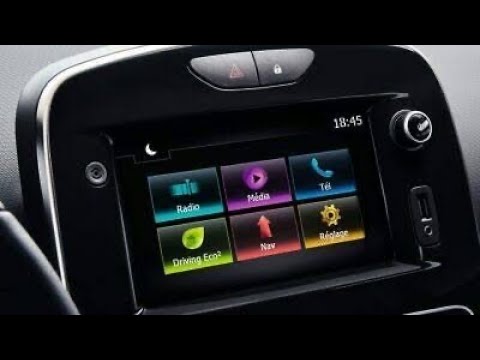
Dacia Dacia Various
In this video tutorial, you will learn how to remove the Medianav multimedia system from Renault and Dacia models. First, remove the plastic trim sur…

Dacia Dacia Various
In this video tutorial, you will see how to remove the trim of the Medianav multimedia system and subsequently how to dismantle the entire system, in…
Dacia Dacia Various
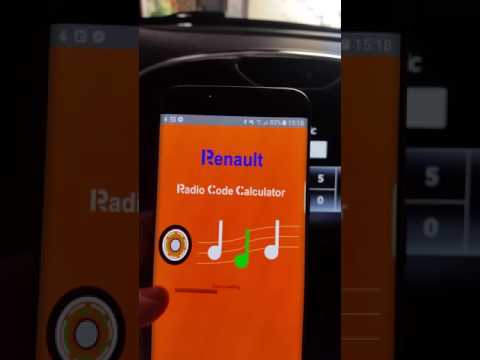
In this video tutorial, you will learn how to enter the unlock code for the Medianav car radio found in Renault and Dacia models. This unlock code is…
Other guides you may be interested in
|
How to Set the Time in an Audi A4?
In this tutorial, you will see how to set the time in an Audi A4, a very simple and quick operation to perform after replacing the battery or when the time changes. First, insert the key and turn on the instrument cluster. Then, press the "SETUP" button located on the center console. Next, press the upper left arrow button, navigate to the "Time" option, and use the central knob to adjust the clock. Finally, set any necessary formats and save by returning to the main screen. by ScegliAuto More videos
|
|
For advertising on this site Write to info@scegliauto.com
ScegliAuto is not responsible for any inaccuracy of the data in the lists. To report any inaccuracy or your business (if you own the business in question), please write to info@scegliauto.com
Number of seconds to generate the page: 0.009
(c) ScegliAuto 2026 - info@scegliauto.com - Privacy policy VAT number: IT01247470535 |
