
|
Do it yourself
| |||
| ||||


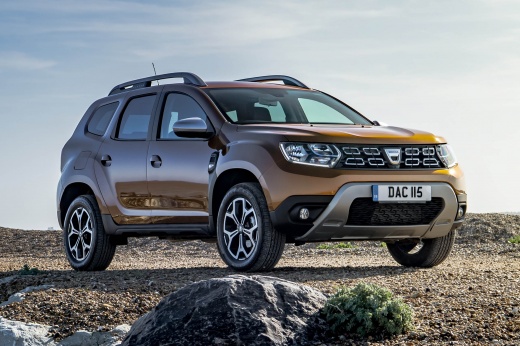
How to Reset the Oil Warning Light on the Dacia Duster
Model: Dacia Duster
MK 2, HM
- Years:
2017, 2018, 2019, 2020, 2021, 2022, 2023, 2024
Video tutorial
Fortunately, the appearance of a warning light on the mini display of the dashboard does not always require an invasive and costly intervention on your car. The oil maintenance light falls into this category. To remove it quickly and easily, first insert the key and turn on the ignition. Then, using the button located at the end of the right steering lever, navigate through the menu until you find the oil section. At this point, press and hold the same button for a few seconds. Once the displayed data is reset, you can release the button and you're done.
Updated on 5 June 2026 by ScegliAuto
Related tutorials
Dacia Duster
(2017-2024 /
MK 2, HM)
How to reset the maintenance light when it comes on in a Dacia Duster? The maintenance light indicates when a service is due after a certain distance…
Dacia Duster
(2017-2024 /
MK 2, HM)
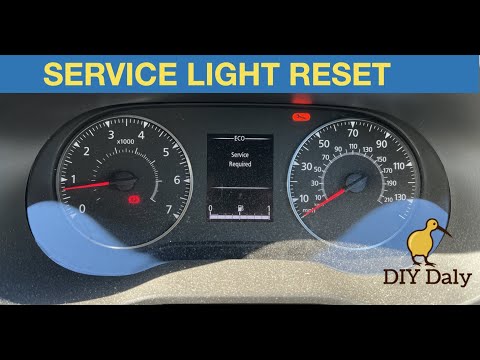
In this very short video tutorial, you will see how to reset the maintenance light on a Dacia Duster, model produced from 2017 to 2024. The reset of …
Dacia Duster
(2017-2024 /
MK 2, HM)
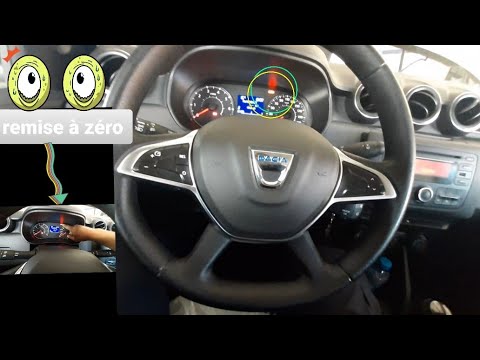
Today, you will learn the steps to reset the maintenance service warning light for the oil change on a Dacia Duster. First, get inside the vehicle an…
Other guides you may be interested in
|
How to Set the Date and Time on the Iveco Daily
Today, we will see in this video tutorial how to change the date and time on the Iveco Daily. First, get into the vehicle and turn on the instrument panel; then go to the vehicle settings on the central display, pressing the relevant option for date and time. At this point, press the "set" button located at the top, using the physical arrow buttons to set both the date and time; finally, exit the onboard computer menu to save the changes made! by ScegliAuto More videos
|
|
For advertising on this site Write to info@scegliauto.com
ScegliAuto is not responsible for any inaccuracy of the data in the lists. To report any inaccuracy or your business (if you own the business in question), please write to info@scegliauto.com
Number of seconds to generate the page: 0.086
(c) ScegliAuto 2026 - info@scegliauto.com - Privacy policy VAT number: IT01247470535 |
