
|
Do it yourself
| |||
| ||||


How to Change the Interior Light on a Daihatsu Terios
Model: Daihatsu Terios
J200, MK 2, F700
- Years 2006-2017
Learn how to easily change the interior light of the Daihatsu Terios. Use a small screwdriver to pry open one of the two halves of the light cover. This will allow the cover to come off easily. Remove the other half, taking care not to damage the clips. Now, take out the old bulbs and replace them with new LED ones. These bulbs can be easily found for a few pounds on all major e-commerce platforms. Remember never to touch new bulbs - especially LED ones - with bare hands, as this will shorten their lifespan. The bulbs can be replaced easily, and the two halves of the light cover can be repositioned. The job is complete.
Updated on 15 June 2026 by ScegliAuto
Video tutorial
Related tutorials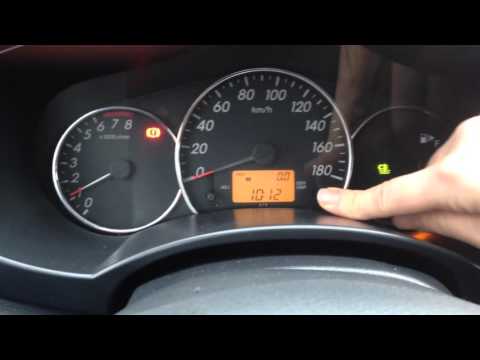
Daihatsu Terios
(1997-2005 /
J100, MK 1, F500)
Before you begin, sit in the driver's seat of your Daihatsu Terios. Start by activating the instrument cluster by turning the key in the ignition bar…

Daihatsu Terios
(2006-2017 /
J200, MK 2, F700)
Replacing the rear headlight bulb of the Daihatsu Terios is a simple and quick operation to be carried out independently. Let's start the replacement…
Daihatsu Terios
(2006-2017 /
J200, MK 2, F700)
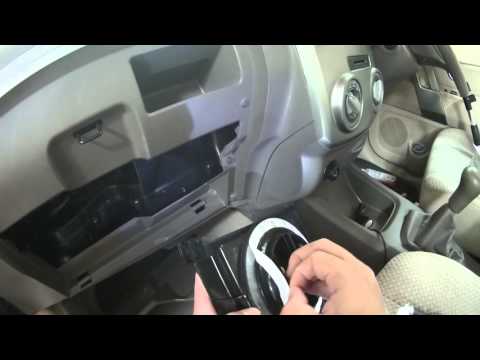
In this tutorial, you will see where the cabin filter is located in the Daihatsu Terios and how to replace it, a very simple and quick operation. Sta…
Other guides you may be interested in |
How to Change the System Language of the Opel Corsa F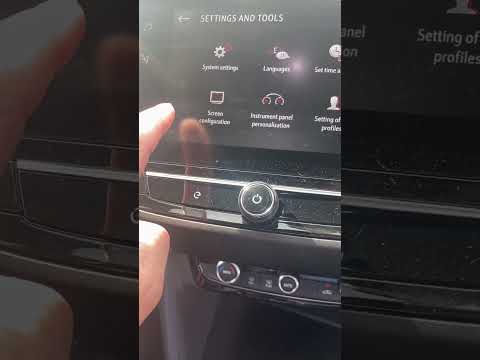
If you own an Opel Corsa F (2019-2023) and want to learn how to change the system language, read this guide carefully and follow the instructions. First, enter the cabin and start both the instrument cluster and the central display. Then, click on the settings icon and select "Options". Next, choose "Languages" and scroll through the list until you find your preferred language. Select it and finally exit the menu to save the changes. by ScegliAuto More videos
|
|
For advertising on this site Write to info@scegliauto.com
ScegliAuto is not responsible for any inaccuracy of the data in the lists. To report any inaccuracy or your business (if you own the business in question), please write to info@scegliauto.com
Number of seconds to generate the page: 0.075
(c) ScegliAuto 2026 - info@scegliauto.com - Privacy policy VAT number: IT01247470535 |
