
|
Do it yourself
| |||
| ||||


How to manually change the time of the Dodge Journey
Model: Dodge Journey
MK 1
- Years 2008-2020
If you see the wrong time on the on-board computer display of your Dodge Journey and you intend to change it manually, just follow these simple steps. First, both the instrument cluster and the central display of the car stereo must be started. At this point press the "Settings" button and then select the "Clock" option. Finally, proceed with the manual modification of the hour and minute digits. Once the correct time is set, go back to save changes and exit the menu. Then turn off the ignition and you are done.
Posted on 21 December 2022 by ScegliAuto
Video tutorial
Related tutorials
Dodge Journey
(2008-2020 /
MK 1)
These short and simple steps will show us how to change the time on the Dodge Journey, following the instructions below. First of all, we get into th…

Dodge Journey
(2008-2020 /
MK 1)
If you are looking for the box containing all the fuses for your Dodge Journey, you just need to follow all the steps described in the following guid…
Dodge Journey
(2008-2020 /
MK 1)
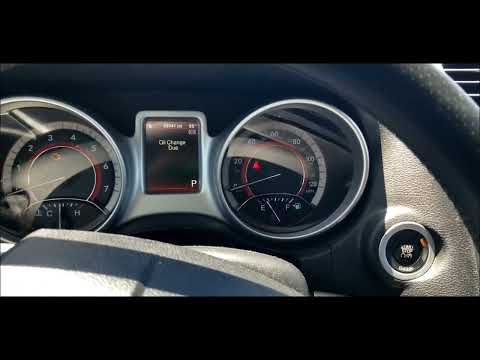
To manually reset the oil light of your 2016 Dodge Journey, simply follow this simple manual procedure. First, enter the interior of the vehicle and …
Other guides you may be interested in
|
How to Replace the Headlight Bulbs on a Mercedes C-Class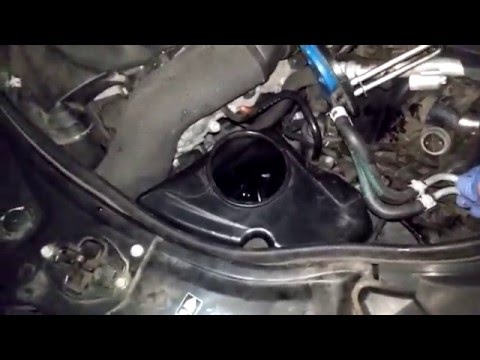
Let's see how to replace the headlight bulbs on a Mercedes C-Class. Open the hood by pulling the lever located at the bottom right of the dashboard and secure it with the prop rod. Locate the inspection cap of the headlight (located at the back of the headlight) and remove it. At this point, you will find the bulbs with metal clips; pull the bulb holder out of the headlight and extract the damaged bulbs using a screwdriver or needle-nose pliers. Install the new bulbs (always the correct type and size) and insert the bulb holder back into the headlight. Reassemble all the parts removed earlier. by ScegliAuto More videos
|

|
For advertising on this site Write to info@scegliauto.com
ScegliAuto is not responsible for any inaccuracy of the data in the lists. To report any inaccuracy or your business (if you own the business in question), please write to info@scegliauto.com
Number of seconds to generate the page: 0.120
(c) ScegliAuto 2026 - info@scegliauto.com - Privacy policy VAT number: IT01247470535 |
