
|
Do it yourself
| |||
| ||||


Removing Dashboard Air Vents
Model: Dodge Charger
LX
- Years 2006-2011
To remove the air vents located at the top of the centre console, proceed as follows: first, move the gear lever all the way back to gain more working space; then, detach the trim that covers the centre console, which integrates the air vents and the climate control controls; pull the trim away just enough to disconnect the connectors and remove it completely; at this point, unscrew the fastening screws of the button bar to access the clips securing the vents and detach them to complete the removal.
Updated on 19 February 2026 by ScegliAuto
Video tutorial
Related tutorials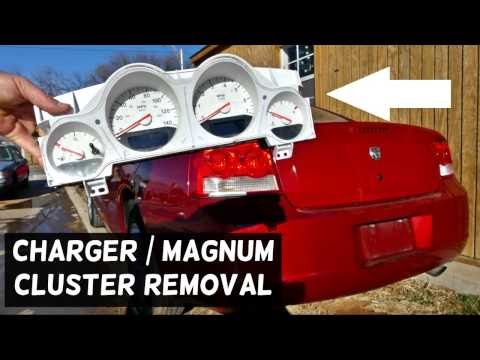
Dodge Charger
(2006-2011 /
LX)
To remove the instrument cluster from the dashboard, you must first remove the trim elements around the dial: to take off the frame surrounding the i…
Dodge Charger
(2006-2011 /
LX)
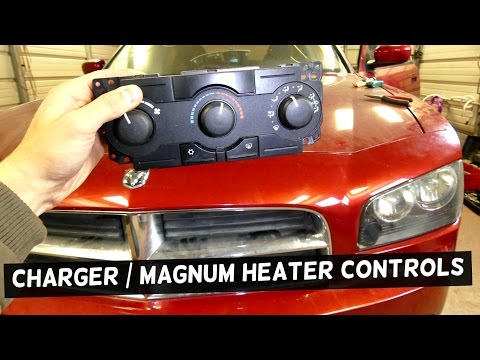
To remove the climate control switches located at the bottom of the console, just below the radio, you must detach the trim that covers the console a…
Dodge Charger
(2011-2023 /
LD)
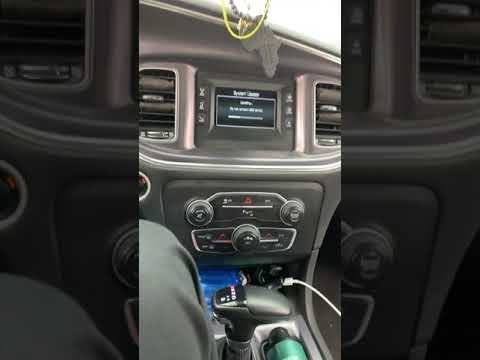
In order to reset the uConnect 8.4 system, you need to insert the ignition key into the ignition switch to turn on the instrument panel: once this is…
Other guides you may be interested in
|
How to Remove the Air Vents on an Alfa Romeo 159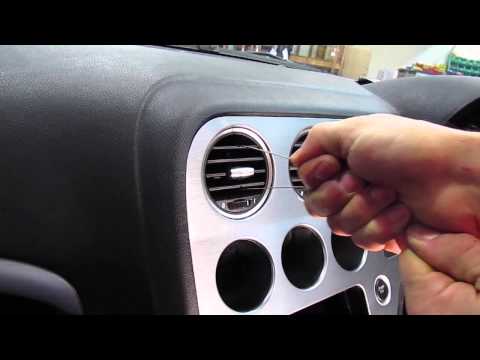
This video shows how to remove the air vents on an Alfa Romeo 159. Start by using a plastic trim tool to detach the air vents located in the central dashboard; if you have difficulty, obtain metal hooks (as shown in the video) and insert them into the air vent. Once the two hooks are secured to the edges of the air vent, pull them out with your hands until the vent is removed from its housing. Repeat this procedure for the other air vents present on the car's dashboard. Finally, install the new vents. by ScegliAuto More videos
|
|
For advertising on this site Write to info@scegliauto.com
ScegliAuto is not responsible for any inaccuracy of the data in the lists. To report any inaccuracy or your business (if you own the business in question), please write to info@scegliauto.com
Number of seconds to generate the page: 0.054
(c) ScegliAuto 2026 - info@scegliauto.com - Privacy policy VAT number: IT01247470535 |
