
|
Do it yourself
| |||
| ||||


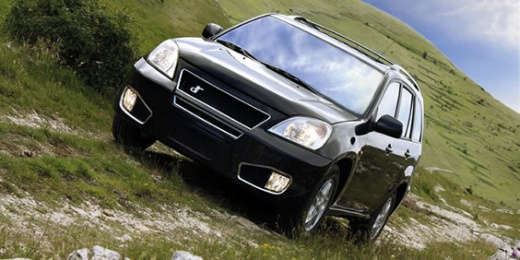
How do you reset the Service in a DR 5.0 2023?
Model: DR 5
MK 1
- Years:
2007, 2008, 2009, 2010, 2011, 2012, 2013, 2014, 2015, 2016, 2017, 2018
Video tutorial
Don't worry because resetting the Service on a car like this is quite simple, just follow these steps calmly and you will also be able to do it in DIY mode without any problems. Turn the ignition on without starting the engine. Now press the odometer button, the one you use to change the trip, and hold it down for a few seconds. You should see the Service message flashing or disappearing. At this point, turn off the ignition, wait a moment, and turn it back on to verify that the warning light has disappeared. If it doesn't work on the first try, try again more calmly, maybe holding it down a little longer. If you still can't do it even after trying again, then contact a professional workshop.
Posted on 27 October 2025 by ScegliAuto
Related tutorials
Mercedes Gle
(2019-2026 /
V167)
To reset the Service light on a Mercedes GLE, turn on the ignition by inserting the key into the ignition switch. Navigate to the menu that appears: …
Mercedes Classe E
(2009-2016 /
W212)
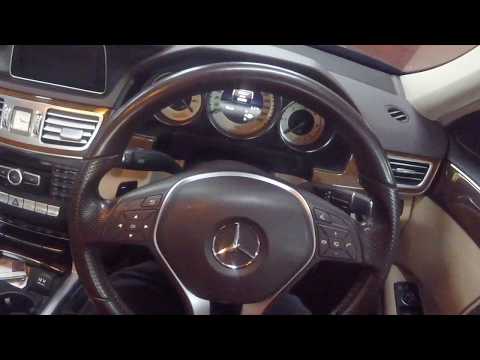
To reset the Service light on a Mercedes E-Class, insert the ignition key into the ignition switch to turn on the instrument cluster. Once the instru…
Mercedes Classe V
(2014-2026 /
W447, MK 3)
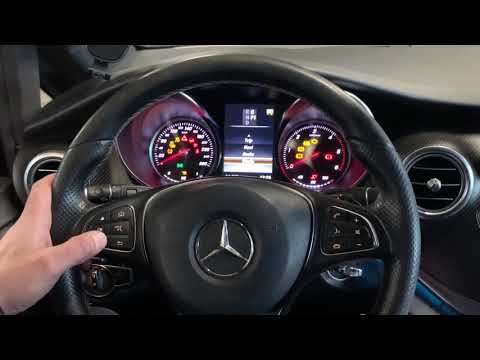
To reset the Service light on the Mercedes V Class, turn on the ignition and press the OK button along with the button for answering calls. This will…
Other guides you may be interested in
|
How to Open the Fuel Flap on a Volkswagen Tiguan?
To open the fuel flap on a Volkswagen Tiguan, first unlock the car using the appropriate button on the remote. This will open the car and unlock the mechanism that controls the fuel flap. At this point, apply light pressure to the left side of the flap to open it and access the cap underneath. Once this is unscrewed, you can refuel and then close everything. by ScegliAuto More videos
|
|
For advertising on this site Write to info@scegliauto.com
ScegliAuto is not responsible for any inaccuracy of the data in the lists. To report any inaccuracy or your business (if you own the business in question), please write to info@scegliauto.com
Number of seconds to generate the page: 0.020
(c) ScegliAuto 2026 - info@scegliauto.com - Privacy policy VAT number: IT01247470535 |
