
|
Do it yourself
| |||
| ||||


How to set up the satellite navigation system on a DS 3 MK1.
Model: DS DS 3
MK 1
- Years 2015-2018
Let's see how to set up the satellite navigator on a DS3 MK1 with the touchscreen system: from any screen, press the physical "menu" button located at the bottom right of the screen. Tap the "navigation" button where we will see several options: from the menu that appears, select "enter destination," where the safest method is still by address. Use the virtual keyboard on the screen to enter the data, then a confirmation icon will appear; tap it to set it as the destination. We can then choose the type of routes (fastest/shortest), and the navigation will start automatically. We can adjust the volume of the voice assistant, add points of interest along the route, manage traffic (often a paid service), and cancel navigation at any time.
Posted on 8 December 2025 by ScegliAuto
Video tutorial
Related tutorials
DS DS 3
(2018-2026 /
MK 2)
In this video we can see how to activate the navigation services on a DS3 Crossback, which are included for three years on the car; in addition to ma…

DS DS 3
(2018-2026 /
MK 2)
Setting a different language on the onboard computer of the DS 3 is a very simple operation, which can be done indefinitely and is the same for all m…
DS DS 3
(2018-2026 /
MK 2)
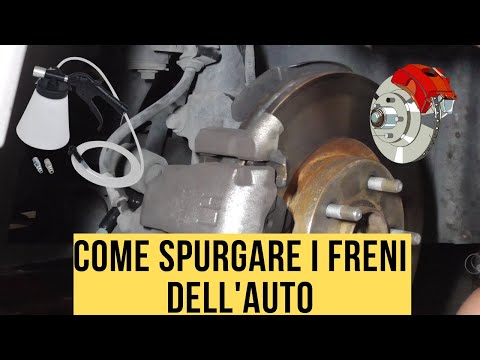
Optimizing the braking of a car, regardless of its type, is very important, so bleeding the brake system is a fundamental and extremely important pro…
Other guides you may be interested in
|
How to Replace the Alternator on an Opel Meriva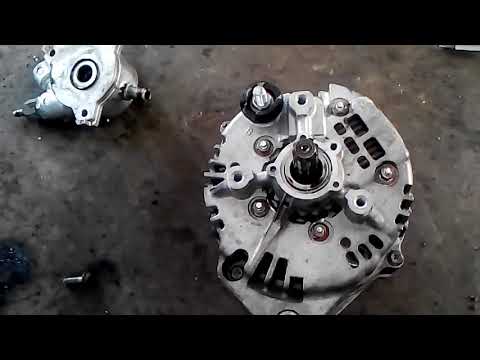
First, release the bonnet from the lever and lift it. Disconnect the battery to protect your electronic devices. Now locate the alternator position on your vehicle. Remove the belt by unscrewing the tensioner pulley to take it off. You can now remove the bolts securing the alternator. Working on the rear of the alternator, disconnect the cables and pipes attached at the back. This allows you to extract the alternator from your vehicle and carry out the necessary work. by ScegliAuto More videos
|
|
For advertising on this site Write to info@scegliauto.com
ScegliAuto is not responsible for any inaccuracy of the data in the lists. To report any inaccuracy or your business (if you own the business in question), please write to info@scegliauto.com
Number of seconds to generate the page: 0.101
(c) ScegliAuto 2026 - info@scegliauto.com - Privacy policy VAT number: IT01247470535 |
