
|
Do it yourself
| |||
| ||||


How to Replace the Brake Disc on a Fiat Punto Evo
Model: Fiat Punto
MK 3, Punto EVO, 199, Grandepunto
- Years 2005-2018
Let’s see how to remove the front brake disc from a Fiat Punto Evo. Position your car on a column lift; loosen the bolts with a telescopic spanner and raise it to a comfortable height for working. Unscrew the bolts and remove the wheel, then start unscrewing the bolts of the brake caliper to detach it from the bracket. Use a screwdriver to detach the brake pads. Now remove the caliper bracket and unscrew the bolts on the brake disc, pulling the disc towards you to slide it off the hub (clean all dirt and debris with brushes). Before reassembly, lubricate the parts. Apply grease to the bolts and prepare all pieces for assembly. Fit the brake disc with all the attached bolts, tighten the caliper bracket to the disc and the pads, then mount the brake caliper, ensuring all bolts are tightened properly. Before fitting the wheel: bleed the brake caliper and tighten the bolt. Refit the wheel with the bolts and top up any oil that has leaked out.
Updated on 10 March 2026 by ScegliAuto
This video is currently unavailable
Related tutorials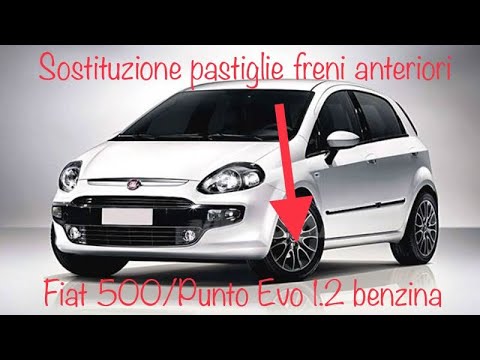
Fiat Punto
(2005-2018 /
MK 3, Punto EVO, 199, Grandepunto )
To replace the front brake pads on a Fiat Punto Evo, position your car on a column lift or jack, raising it to a comfortable height for work. Unscrew…
Fiat Punto
(2005-2018 /
MK 3, Punto EVO, 199, Grandepunto )
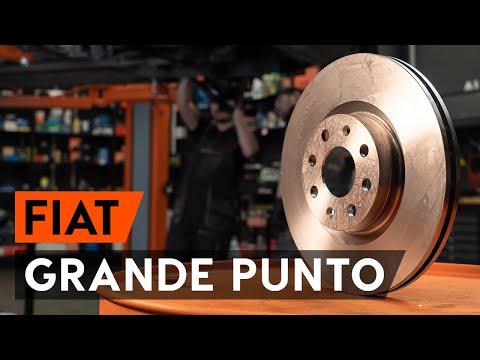
This guide outlines the steps to remove and replace the front brake discs on the Fiat Punto Evo, as well as the Grande Punto. First, lift the vehicle…
Fiat Punto
(2005-2018 /
MK 3, Punto EVO, 199, Grandepunto )
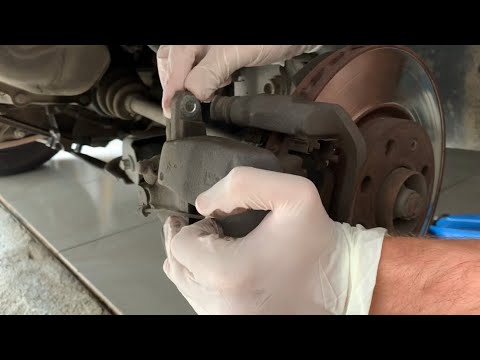
How to replace the brake disc on a Fiat Grande Punto? Let's look at the disassembly of the parts. Position your car on a column lift; raise it to a c…
Other guides you may be interested in
|
How to Set the Clock on the Opel Zafira
Setting the clock to the current Italian time on an Opel Zafira model B is a very simple operation, also made easier by our short instructional video. The first step is to turn on the instrument panel and then press the SETTING button located on the central dashboard. Once inside the menu, use the buttons to navigate to the clock setting. Adjust the hours and minutes and restart the instrument panel. If the clock does not update, it may be necessary to diagnose the radio or the vehicle's control unit. by ScegliAuto More videos
|
|
For advertising on this site Write to info@scegliauto.com
ScegliAuto is not responsible for any inaccuracy of the data in the lists. To report any inaccuracy or your business (if you own the business in question), please write to info@scegliauto.com
Number of seconds to generate the page: 0.074
(c) ScegliAuto 2026 - info@scegliauto.com - Privacy policy VAT number: IT01247470535 |
