
|
Do it yourself
| |||
| ||||


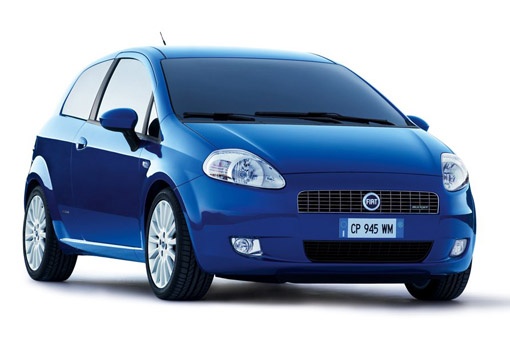
How to Connect Your Mobile Phone to the Bluetooth of a Fiat Punto
Model: Fiat Punto
199, MK 3, Grandepunto , Punto EVO
- Years:
2005, 2006, 2007, 2008, 2009, 2010, 2011, 2012, 2013, 2014, 2015, 2016
Video tutorial
Before starting, sit in the driver's seat of your Fiat Punto. Begin by activating the dashboard. Next, press the "Windows" button, then press the call answer button. This will take you to the settings menu. Proceed by selecting and confirming the "Register User" option. After this, enter the Bluetooth menu on your smartphone and select the "Blueeme" option. At this point, enter the PIN that appears on the multifunction display of the vehicle, confirm it, and you will be done.
Updated on 6 May 2026 by ScegliAuto
Related tutorials
Fiat Punto
(2005-2018 /
199, MK 3, Grandepunto , Punto EVO)
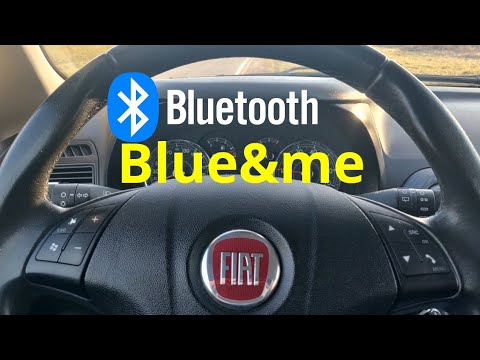
To connect your mobile phone to the Fiat Grande Punto, there are several options depending on the model of the car and its features. Bluetooth Connec…
Fiat Punto
(2005-2018 /
199, MK 3, Grandepunto , Punto EVO)
To connect a mobile phone to a Fiat Punto, first obtain a USB cable. Connect the USB cable to the phone, then connect the other end of the cable to t…
Fiat Punto
(2005-2018 /
199, MK 3, Grandepunto , Punto EVO)
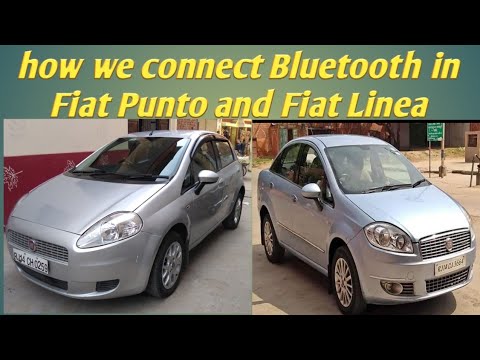
Today, you will see in this brief and simple guide how to connect your mobile phone to the Bluetooth system of a Fiat Grande Punto by following the i…
Other guides you may be interested in
|
Frequently Asked QuestionsHow to Reset the Tyre Pressure Warning Light on a Kia Rio?
The tyre pressure warning light displayed on the instrument cluster of the Kia Rio can be reset by inflating the tyres until they reach the recommended pressure value: this value is indicated on the sticker affixed to the driver's door pillar. Once all tyres have been inflated to the recommended pressure, turn on the ignition to check that the light has disappeared: if it is still present, it may be necessary to drive for a few miles, allowing the sensors to work and thus turning off the light. by ScegliAuto More videos
|
For advertising on this site Write to info@scegliauto.com
ScegliAuto is not responsible for any inaccuracy of the data in the lists. To report any inaccuracy or your business (if you own the business in question), please write to info@scegliauto.com
Number of seconds to generate the page: 0.031
(c) ScegliAuto 2026 - info@scegliauto.com - Privacy policy VAT number: IT01247470535 |
