
|
Do it yourself
| |||
| ||||


Replacing Brake Disc and Pads
Model: Fiat Punto
MK 2, 188
- Years 1999-2011
First, lift the car while always adhering to safety regulations. Remove the wheel, then take off the spring from the brake caliper. Now, by turning the wheel hub outwards, remove the covers from the screws on the inner side. Unscrew and detach the brake caliper. To do this, you may need to push the pads away from the disc as shown in the images. Secure the brake caliper in a way that it does not obstruct the rest of the operations. Next, remove the caliper bracket. Unscrew the two screws to also remove the disc. Take this opportunity to clean before refitting the new components. Refit the disc and the caliper bracket, inserting one of the two pads. Push the caliper piston in, insert the other pad, and reassemble everything. Finally, insert the spring onto the caliper. Car model: Fiat Punto
Required tools: Allen key, socket wrench.
Updated on 22 February 2026 by ScegliAuto
Video tutorial
Related tutorials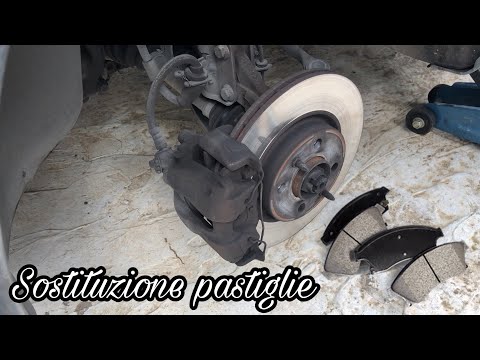
Fiat Punto
(2005-2018 /
MK 3, Punto EVO, 199, Grandepunto )
How to remove the front brake pads of a Fiat Punto? Position your car on a column lift and raise it to a comfortable height. Use a socket spanner to …
Fiat Punto
(2005-2018 /
MK 3, Punto EVO, 199, Grandepunto )
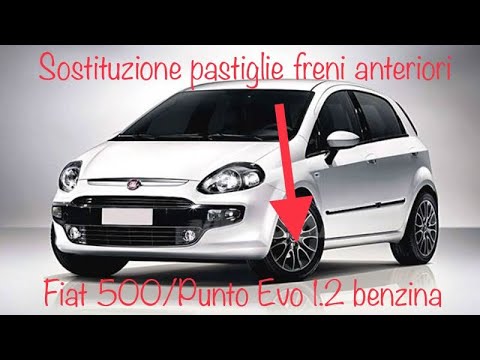
To replace the front brake pads on a Fiat Punto Evo, position your car on a column lift or jack, raising it to a comfortable height for work. Unscrew…
Fiat Punto
(2005-2018 /
MK 3, Punto EVO, 199, Grandepunto )
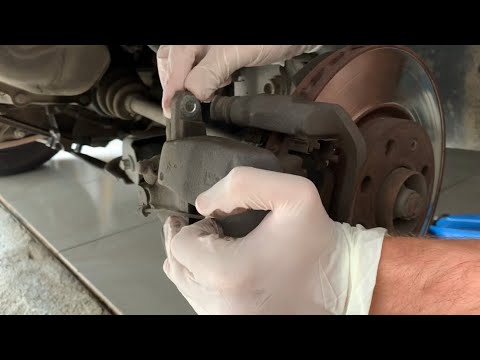
How to replace the brake disc on a Fiat Grande Punto? Let's look at the disassembly of the parts. Position your car on a column lift; raise it to a c…
Other guides you may be interested in
|
How to Set the Clock on the Opel Zafira
Setting the clock to the current Italian time on an Opel Zafira model B is a very simple operation, also made easier by our short instructional video. The first step is to turn on the instrument panel and then press the SETTING button located on the central dashboard. Once inside the menu, use the buttons to navigate to the clock setting. Adjust the hours and minutes and restart the instrument panel. If the clock does not update, it may be necessary to diagnose the radio or the vehicle's control unit. by ScegliAuto More videos
|
|
For advertising on this site Write to info@scegliauto.com
ScegliAuto is not responsible for any inaccuracy of the data in the lists. To report any inaccuracy or your business (if you own the business in question), please write to info@scegliauto.com
Number of seconds to generate the page: 0.128
(c) ScegliAuto 2026 - info@scegliauto.com - Privacy policy VAT number: IT01247470535 |
