
|
Do it yourself
| |||
| ||||


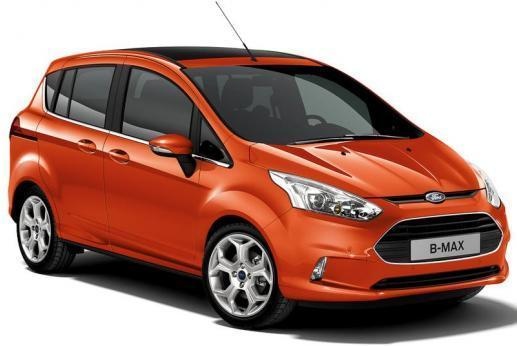
Removing the On-Board Computer from a Ford B-Max
Model: Ford B Max
MK 1
- Years 2012-2018
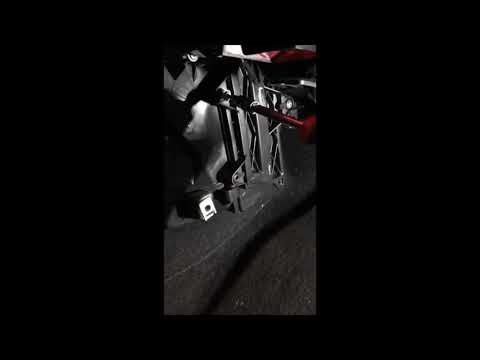
Today, you will learn how to remove the on-board computer from a Ford B-Max. First, get inside the car and gather thin plastic levers. Then, start by detaching the plastic parts of the on-board computer by prying at the sides. Next, use a screwdriver to unscrew the screws found on the support bracket. After extracting the computer, the video shows how to install a new one, making any necessary adjustments. In any case, to reinstall the new on-board computer, simply reconnect all the wires/electric connectors, screw the screws back in, and reinsert the plastic parts.
Updated on 29 March 2026 by ScegliAuto
Video tutorial
Related tutorials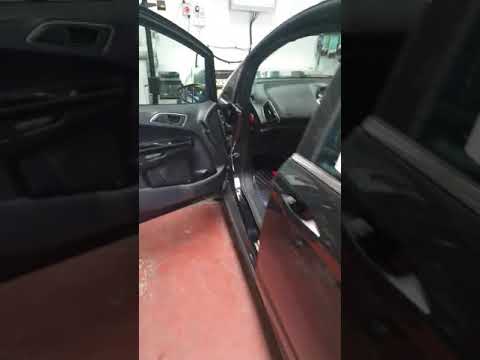
Ford B Max
(2012-2018 /
MK 1)
Before you begin, open the front passenger door of your Ford B-Max. Start by removing the panel located at the bottom of the centre tunnel. Next, dis…

Ford B Max
(2012-2018 /
MK 1)
To manually reset the TPMS light on your Ford B Max, it only takes a few seconds. In fact, thanks to the procedure described in this mini guide, you …
Ford B Max
(2012-2018 /
MK 1)
To replace the cabin filter on a Ford B-Max, loosen the screw that secures the panel on the side of the centre console, on the passenger side. Then, …
Other guides you may be interested in |
How to Check the Oil Level on a Jeep Renegade?
To check the oil level on a Jeep Renegade, you need to open the bonnet to access the components inside the engine bay: on the lower left side of the engine block, you will find the dipstick for checking the level. This should be pulled out and thoroughly cleaned with a cloth: once cleaned, reinsert it back into its tube and pull it out immediately after. This way, you can check that the oil mark is between the minimum and maximum levels; finally, you can place the dipstick back in its tube. by ScegliAuto More videos
|
|
For advertising on this site Write to info@scegliauto.com
ScegliAuto is not responsible for any inaccuracy of the data in the lists. To report any inaccuracy or your business (if you own the business in question), please write to info@scegliauto.com
Number of seconds to generate the page: 0.069
(c) ScegliAuto 2026 - info@scegliauto.com - Privacy policy VAT number: IT01247470535 |
