
|
Do it yourself
| |||
| ||||


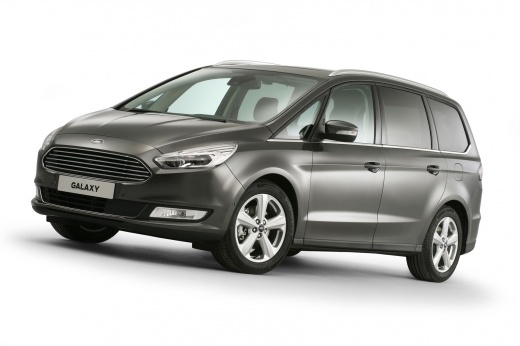
How to Change the Third Brake Light on a Ford Galaxy
Model: Ford Galaxy
MK 3
- Years:
2015, 2016, 2017, 2018, 2019, 2020, 2021, 2022, 2023
Video tutorial
On the Ford Galaxy with a LED third brake light, the component does not allow for the replacement of the individual bulb but rather the complete module. Open the tailgate and remove the inner trim of the rear tailgate, carefully unclipping it. Locate the third brake light assembly and unscrew the fixing screws. Disconnect the electrical connector by pressing the safety tab and pull the LED module outward. Insert the new original or compatible light assembly, reconnect the connector until it clicks, and reposition the light in the guides. Re-screw the screws and reattach the inner trim. Finally, check that it functions correctly by pressing the brake pedal to ensure the LEDs illuminate evenly.
Posted on 21 March 2026 by ScegliAuto
Related tutorials
Ford Galaxy
(2006-2015 /
MK 2)
The procedure for removing the rear light from the Ford Galaxy MK2 is very simple and does not require special tools: inside the boot, on the side of…

Ford Galaxy
(2006-2015 /
MK 2)
The fog light bulb on the Ford Galaxy, like any other vehicle, can be considered a DIY task and can be done easily with minimal tools. Proceed as fol…
Ford Galaxy
(2006-2015 /
MK 2)
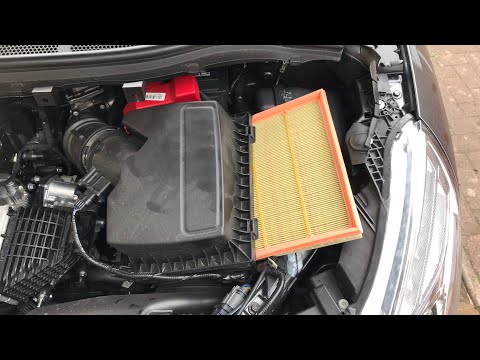
Replace the air filter of a Ford Galaxy if you have reached the mileage indicated in the workshop manual. Open the car door, pull up the engine compa…
Other guides you may be interested in
|
How to Lower the Rear Seats of the BMW 3 Series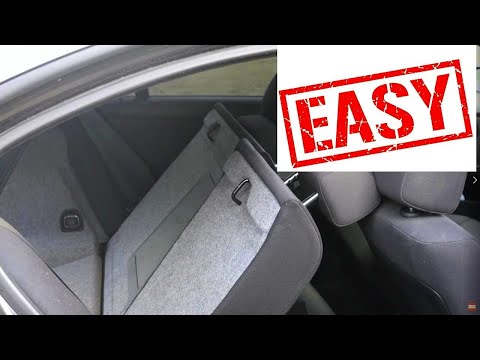
This guide briefly outlines the steps to lower the rear seats of the BMW 3 Series, increasing the trunk space, following the instructions below. First, open the trunk lid and start pulling the levers located on both sides of the rear seatbacks; then lower the seats as shown in the video. This will significantly increase the trunk's cargo volume; raise the seatbacks to return them to their original position by applying the reverse procedure! by ScegliAuto More videos
|
|
For advertising on this site Write to info@scegliauto.com
ScegliAuto is not responsible for any inaccuracy of the data in the lists. To report any inaccuracy or your business (if you own the business in question), please write to info@scegliauto.com
Number of seconds to generate the page: 0.052
(c) ScegliAuto 2026 - info@scegliauto.com - Privacy policy VAT number: IT01247470535 |
