
|
Do it yourself
| |||
| ||||


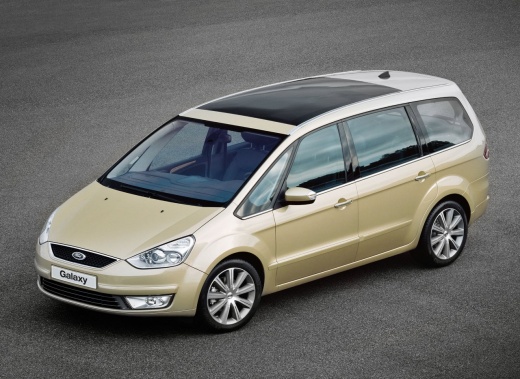
How to Remove the Rear Light from a Ford Galaxy
Model: Ford Galaxy
MK 2
- Years:
2006, 2007, 2008, 2009, 2010, 2011, 2012, 2013, 2014, 2015
Video tutorial
The procedure for removing the rear light from the Ford Galaxy MK2 is very simple and does not require special tools: inside the boot, on the side of the light to be removed, there is a black plastic cover: simply pull it off by hand (it is secured by metal clips and will simply reattach by pressure). Behind the cover, at the back of the light, there are two screws that can be unscrewed by hand and a single connector. Once the screws are removed and the connector is detached, the light can be easily pulled out by pulling it towards the outside. For reassembly, insert the light back into position, replace the two screws, reconnect the connector, and reattach the black cover by pressure.
Posted on 27 March 2026 by ScegliAuto
Related tutorials
Ford Galaxy
(2015-2023 /
MK 3)
If you want to replace the fog light bulb of your Ford Galaxy Mk3 yourself, simply read this guide and follow the various steps described. First, par…

Ford Galaxy
(2015-2023 /
MK 3)
In order to remove the rear bumper of the Ford Galaxy, you need to open the rear hatch so that you can access the screws next to the two headlights: …
Ford Galaxy
(2006-2015 /
MK 2)
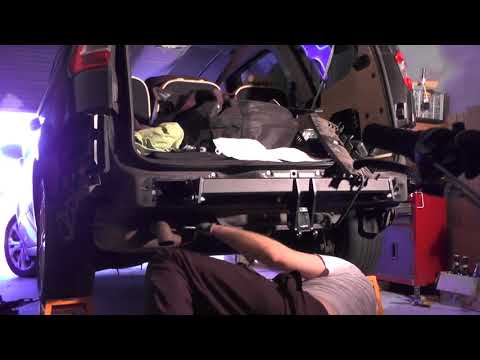
How to remove the rear bumper of a Ford Galaxy? This guide shows the removal process. First, take a screwdriver or battery-powered screwdriver and un…
Other guides you may be interested in |
How to Remove the Toll Tag Holder from the Car Windscreen
The toll tag holder is usually attached to the car windscreen to ensure that the toll tag functions immediately when passing through barriers. However, if you decide to remove the holder, you should follow this procedure: - Insert the toll tag into the holder; - Pull the holder inwards to detach it from the windscreen; you can use a glass scraper or a stiff plastic card to assist you; After removing the holder, it is essential to remove the adhesive from the windscreen. To remove the adhesive, we recommend using a solvent-based spray that will remove the glue without clouding the area. by ScegliAuto More videos
|
|
For advertising on this site Write to info@scegliauto.com
ScegliAuto is not responsible for any inaccuracy of the data in the lists. To report any inaccuracy or your business (if you own the business in question), please write to info@scegliauto.com
Number of seconds to generate the page: 0.008
(c) ScegliAuto 2026 - info@scegliauto.com - Privacy policy VAT number: IT01247470535 |
