
|
Do it yourself
| |||
| ||||


Replacing the Battery on a Ford F-250
Model: Ford F-250
Phn131
- Years 1999-2007
This guide explains how to remove and replace the battery on a Ford F-250 by following these simple and quick steps. First, open the hood of your vehicle and start disconnecting both battery terminals (positive and negative) using a 10 mm socket wrench; then remove the battery bracket screw to lift and take the battery out of the battery tray, as shown in the video. At this point, replace the battery with a new one of the correct type and the same amperage; then reassemble everything!
Updated on 12 May 2026 by ScegliAuto
Video tutorial
Related tutorials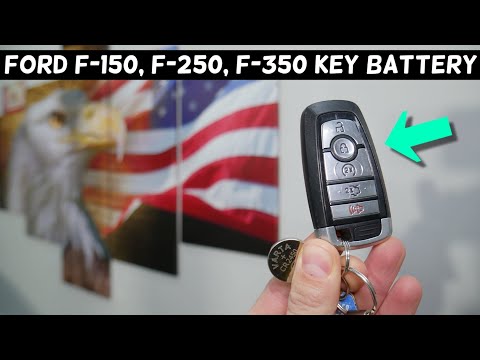
Ford F-250
(2017-2022 /
P558)
Replacing the battery in your Ford F 250 key is one of the simplest maintenance tasks you can do yourself. Follow the steps below. First, completely …
Ford F-250
(2017-2022 /
P558)
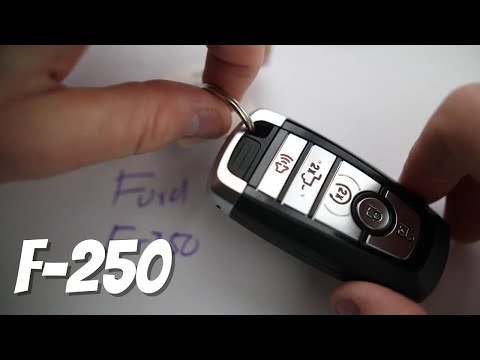
As shown in this tutorial, replacing the battery in the Ford F-250 key fob is a very simple and quick task. For this, you will need a replacement CR2…
Ford F-250
(2011-2016 /
P473)
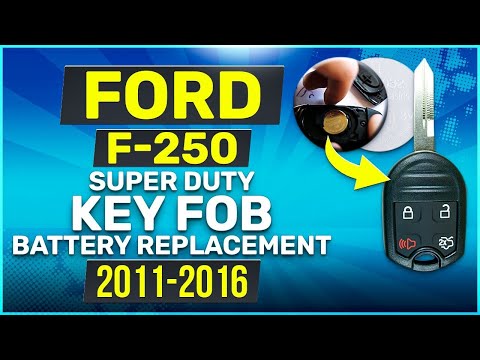
If the key fob battery for the Ford F-250 dies and you need to replace it, follow this tutorial. First, locate the small slot on the right corner and…
Other guides you may be interested in
|
Where is the Spare Wheel in the Peugeot 5008?
This video shows where the spare wheel is located in the Peugeot 5008 and how to access it, useful in case of a puncture. As shown, the wheel is not in the usual boot compartment but underneath it, outside the vehicle. To free the wheel, first gather the tools provided, then open the boot, locate the small indicated hatch, and open it. Next, loosen the bolt just released using the large socket wrench enough to lower the wheel to the ground. by ScegliAuto More videos
|
|
For advertising on this site Write to info@scegliauto.com
ScegliAuto is not responsible for any inaccuracy of the data in the lists. To report any inaccuracy or your business (if you own the business in question), please write to info@scegliauto.com
Number of seconds to generate the page: 0.656
(c) ScegliAuto 2026 - info@scegliauto.com - Privacy policy VAT number: IT01247470535 |
