
|
Do it yourself
| |||
| ||||


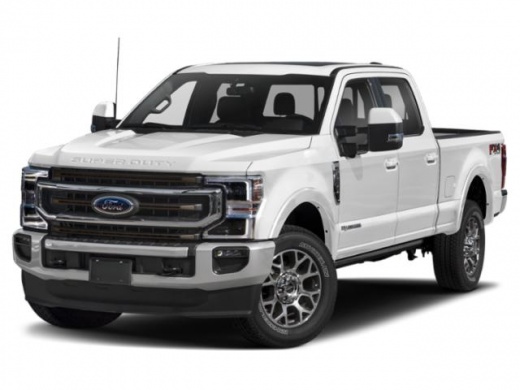
How to Replace the Front Brake Pads on a Ford F-350?
Model: Ford F-350
P558
- Years:
2017, 2018, 2019, 2020, 2021, 2022, 2023
Video tutorial
To replace the front brake pads on a Ford F-350, lift the vehicle with a jack or lift so that the corresponding wheel is off the ground. Once the vehicle is raised, remove the bolts securing the wheel and take it off completely to access the components at the back. The brake caliper must be loosened, allowing you to detach it from the rotor and remove the pads inside. Insert the new pads into the caliper, which will then be reattached to the rotor, and reinstall the wheel.
Updated on 11 June 2026 by ScegliAuto
Related tutorials
Ford F-350
(2011-2016 /
P473)
Today, in this video tutorial, learn how to remove and replace the front brake rotors of the Ford F-350, following the instructions below. First, lif…
Ford F-350
(2017-2023 /
P558)
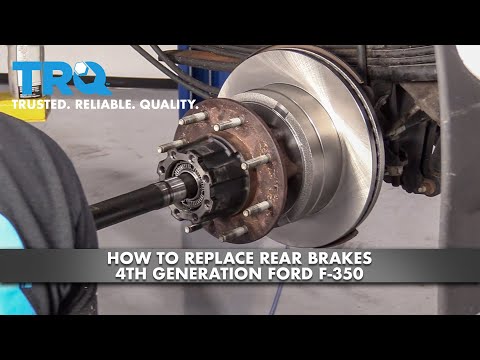
To replace the rear brake pads on a Ford F-350, lift the vehicle using a jack or a lift so that the corresponding wheel is off the ground. Once the v…

Ford F-350
(1999-2007 /
Phn131)
To replace the rear brake pads on a Ford F-350, remove the wheel corresponding to the pads being replaced by loosening its lug nuts. Once the wheel i…
Other guides you may be interested in
|
How to Reset the Tyre Pressure Warning Light on the Opel Mokka?
To reset the tyre pressure warning light on the Opel Mokka, turn on the ignition by inserting the key into the ignition switch. Once the ignition is on, navigate through the menu that appears on the dashboard by pressing the MENU button on the lever to the left of the steering wheel. When the tyre pressure option appears, press and hold the SET/CLR button located on the same lever. This will reset the warning light, and you can then turn off the ignition. by ScegliAuto More videos
|
|
For advertising on this site Write to info@scegliauto.com
ScegliAuto is not responsible for any inaccuracy of the data in the lists. To report any inaccuracy or your business (if you own the business in question), please write to info@scegliauto.com
Number of seconds to generate the page: 0.036
(c) ScegliAuto 2026 - info@scegliauto.com - Privacy policy VAT number: IT01247470535 |
