
|
Do it yourself
| |||
| ||||


How to reset the oil light on Ford Focus 3
Model: Ford Focus
MK 3
- Years 2011-2018
If the oil warning light comes on steadily on the instrument panel of your Ford Focus Mk3 (year 2011-2018) despite having already been changed recently, don't worry because you can reset it manually by following these simple steps. First, start the ignition and enter the on-board menu by pressing the appropriate button located on the right side of the steering wheel. Then select the "Information" option, scroll down and enter "Oil life". Finally, select "Reset oil life" and after a few seconds the operation will be completed correctly.
Posted on 20 January 2023 by ScegliAuto
Video tutorial
Related tutorials
Ford Focus
(2011-2018 /
MK 3)
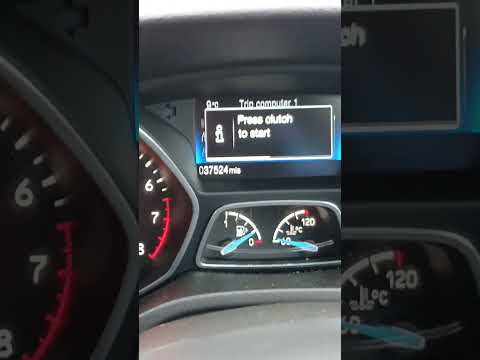
In the following guide, we will explain how to correctly perform the manual reset of the oil warning light on the instrument panel of your 2016 Ford …
Ford Focus
(2011-2018 /
MK 3)
Usually the oil warning light that appears on the instrument panel of your Ford Focus third series (2017) turns off automatically as soon as you chan…

Ford Focus
(2004-2011 /
MK 2, Focus 2)
In this new guide of ours dedicated to all of you owners of a Ford Focus second series (year 2004-2011) we are going to find out how to manually rese…
Other guides you may be interested in
|
Timing Belt Replacement on Audi Q5
The timing belt on the Audi Q5 has reached its mileage limit, so what should you do? Let's go through the removal of the belts on the Q5. Open and lift the hood of the engine, then remove the engine soundproofing panel. Once these steps are completed, remove the plastic covers of the belts located on the left side of the engine. Loosen the second tensioner and slide the belt out of its seat. After installing the new belt, use a wrench to install the tensioner pulley, and tighten it until the belt has the correct tension (install both belts). Reinstall the covering plastics. Start and test the Audi Q5 engine. by ScegliAuto More videos
|
|
For advertising on this site Write to info@scegliauto.com
ScegliAuto is not responsible for any inaccuracy of the data in the lists. To report any inaccuracy or your business (if you own the business in question), please write to info@scegliauto.com
Number of seconds to generate the page: 0.053
(c) ScegliAuto 2026 - info@scegliauto.com - Privacy policy VAT number: IT01247470535 |
