
|
Do it yourself
| |||
| ||||



How to Remove the Coin Holder from a Ford Expedition Dashboard
Model: Ford Expedition
U553
- Years:
2018, 2019, 2020, 2021, 2022, 2023, 2024, 2025
Video tutorial
How to uninstall a coin holder from the Ford Expedition. This model comes with a small coin holder disk, where you can insert coins of various sizes for easy access. Apparently, this accessory was not liked by our YouTuber. We found the item illustrated in the video on Etsy: it costs $12.25 plus shipping. These are handmade items, specifically for this model. Replacing it is very easy; just remove the coin holder - there is also a small connector - and attach the new piece, which comes with three strips of double-sided tape. In the center strip, attach the connector, which may be useful in the future for a dash cam, and you're done.
Updated on 14 July 2026 by ScegliAuto
Related tutorials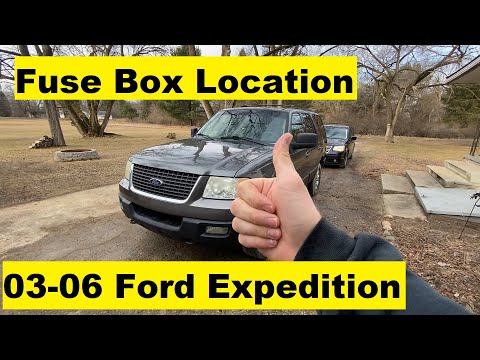
Ford Expedition
(2003-2006 /
U222)
To troubleshoot any electrical component failures in your first-generation Ford Expedition (2003-2006), you will need to check the respective fuses. …

Ford Expedition
(2003-2006 /
U222)
If some electrical components in your Ford Expedition are experiencing issues and you want to find their respective fuses, just read this guide and f…

Ford Expedition
(2003-2006 /
U222)
In this new guide for all Ford Expedition owners, discover the steps you need to take to locate the fuse box containing all the fuses of your vehicle…
Other guides you may be interested in |
How to enter the radio code in the Opel Zafira?
In the Opel Zafira, it may happen that the radio locks and consequently requests the appropriate security code, especially after disconnecting or replacing the battery. The code can be found in the documents provided at purchase or through one of the various online recovery services. Once obtained, enter it by following the procedure shown in this tutorial. First, switch on the instrument panel, then press and hold both the "AS" button and the left knob for about 5 seconds. Next, enter the first digit by repeatedly pressing the "1" button, continue with the next 3 buttons, and save the setting by pressing the "AS" button again. by ScegliAuto More videos
|
|
For advertising on this site Write to info@scegliauto.com
ScegliAuto is not responsible for any inaccuracy of the data in the lists. To report any inaccuracy or your business (if you own the business in question), please write to info@scegliauto.com
Number of seconds to generate the page: 0.017
(c) ScegliAuto 2026 - info@scegliauto.com - Privacy policy VAT number: IT01247470535 |
