
|
Do it yourself
| |||
| ||||


|
Video tutorial
How to replace the dashboard bulb on a Ford Ka with a LED; this involves disassembling most of the dashboard. Do not switch on the car lights during the work to avoid short circuits. Remove the radio using the appropriate keys, disconnect the rear connectors (and keep the code for reactivation handy), remove the trim and then disassemble the dashboard by unscrewing all the screws that secure the instrument cluster (on the sides, at the top, and behind the steering wheel: even if you have the workshop manual, you cannot always trust the number and position of the screws. Unlock the clips and extract the instrument cluster, being careful of the cable connected at the back. Locate the bulb holder and prepare the LED; it is not a simple replacement, as the bulb holder must be modified: apply a drop of strong glue to the base of the LED and physically stick it inside the original bulb holder. Connect the wires by soldering them to the two metal contacts of the original bulb holder, respecting the polarity. Before reassembling everything, perform a functionality test. If all is OK, reconnect the connector to the dashboard, reposition the instrument cluster in its place, ensuring the clips are engaged, re-screw all the screws, reassemble the trim and the radio, and perform a final test by switching on the lights.
Posted on 10 February 2026 by ScegliAuto
Related tutorials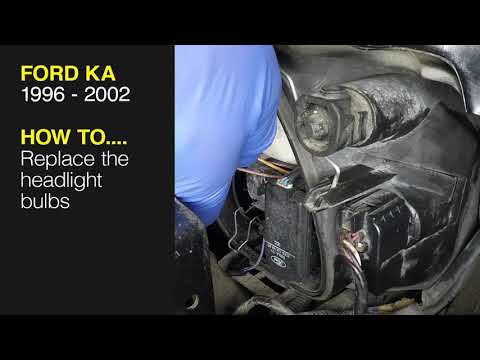
Ford Ka
(1996-2008 /
MK 1)
To replace the front headlamp bulb in the Ford Ka, open the bonnet to access the rear of the headlamp containing the bulb to be replaced. Remove the …
Ford Ka
(1996-2008 /
MK 1)
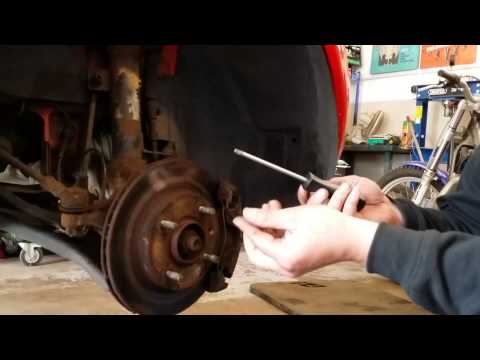
To replace the front headlamp bulb in the Ford Ka, first position the car on a ramp or flat surface. Begin by removing the front tyre corresponding t…
Ford Ka
(1996-2008 /
MK 1)
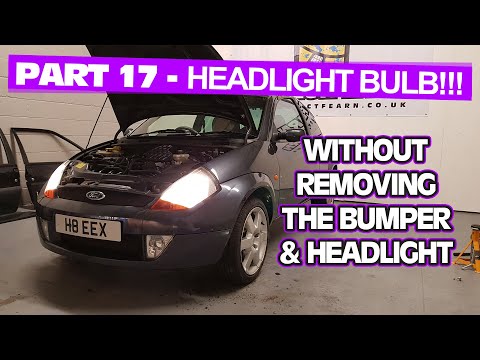
Before you start, turn the front wheels of your Ford Ka fully to the left. Begin by unscrewing and removing the screws that secure the inner wheel ar…
Other guides you may be interested in
|
How to adjust the handbrake on the Smart Fortwo?
To adjust the handbrake on the Smart Fortwo, loosen the screws securing the left rear wheel so that it can be removed: after the wheel has been removed from its seat, loosen the screws securing the corresponding brake drum, locating the shoes and the handbrake mechanism. This can be adjusted by tightening or loosening the shoes to regulate the intensity of the handbrake; once the adjustment is complete, verify that the operation has been successfully finished. by ScegliAuto More videos
|
|
For advertising on this site Write to info@scegliauto.com
ScegliAuto is not responsible for any inaccuracy of the data in the lists. To report any inaccuracy or your business (if you own the business in question), please write to info@scegliauto.com
Number of seconds to generate the page: 0.108
(c) ScegliAuto 2026 - info@scegliauto.com - Privacy policy VAT number: IT01247470535 |
