
|
Do it yourself
| |||
| ||||


How to update the Sync3 maps in the Ford Kuga
Model: Ford Kuga
MK 3
- Years 2020-2026
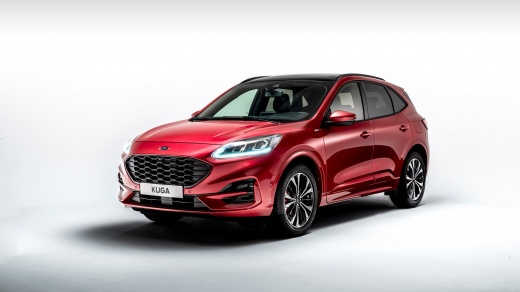
Today's guide will show you how to update the maps of the Sync3 multimedia system in the Ford Kuga, as well as in other models from the manufacturer with the same multimedia system. First, get into the vehicle and turn on the ignition; then insert the USB stick containing the updated software with the maps for downloading, which will load automatically, as shown in the video. At this point, wait for the installation to complete, then turn off the multimedia system and remove the USB stick, following the video tutorial to the end!
Updated on 14 August 2026 by ScegliAuto
Video tutorial
Related tutorials
Ford Kuga
(2020-2026 /
MK 3)
If the AdBlue warning light has come on in the instrument panel of our Ford Kuga, it means that the pollution control system liquid has reached the m…

Ford Kuga
(2020-2026 /
MK 3)
If the AdBlue warning light has illuminated on the instrument panel of your Ford Kuga, it means that the fluid in the emissions system has reached th…

Ford Kuga
(2012-2019 /
C520, MK 2)
To reset the tire pressure warning light on a Ford Kuga vehicle, we need to press the OK button and access the settings menu. The OK button is locate…
Other guides you may be interested in |
How to Reset the Tyre Pressure Warning Light on the Hyundai Tucson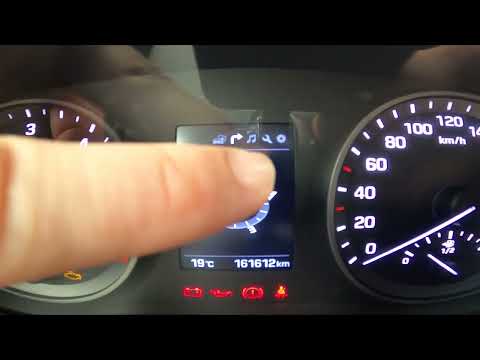
Today, we will discover the instructions that will allow you to reset the tyre pressure warning light (TPMS) on the Hyundai Tucson; before performing the reset, ensure that all four tyres are at the correct operating pressure. Then, get in the vehicle and start the ignition; next, navigate to the onboard computer settings using the controls on the steering wheel until you reach the tyre pressure monitoring section, as shown in the video. At this point, confirm and execute the reset of the TPMS warning light! by ScegliAuto More videos
|
|
For advertising on this site Write to info@scegliauto.com
ScegliAuto is not responsible for any inaccuracy of the data in the lists. To report any inaccuracy or your business (if you own the business in question), please write to info@scegliauto.com
Number of seconds to generate the page: 0.542
(c) ScegliAuto 2026 - info@scegliauto.com - Privacy policy VAT number: IT01247470535 |
