
|
Do it yourself
| |||
| ||||


How to Change the Battery in the Ford C-Max Titanium Remote?
Model: Ford C Max
MK 2
- Years 2010-2019
If pressing the buttons on the remote key does not open or close the locks, it is likely that the battery inside the remote has discharged: replacing it is extremely simple and can be done as a DIY task; obtain a small flat screwdriver to lever in the gap between the two shells that make up the remote key; once the shells are opened and separated, one contains the electronic circuit, while the other houses the battery, which can be removed and replaced with a new one, ensuring the polarity is respected.
Updated on 20 February 2026 by ScegliAuto
Video tutorial
Related tutorials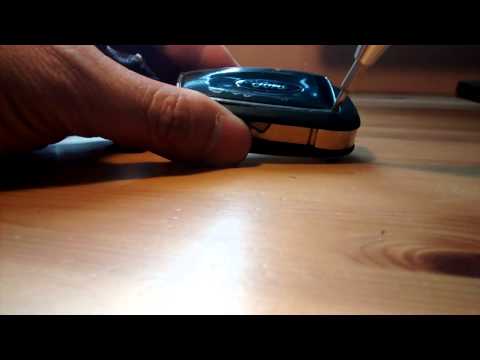
Ford C Max
(2010-2019 /
MK 2)
How do you change the battery of the key remote for a Ford Focus C-Max? Watch this detailed video to find out. Take your remote and use a screwdriver…

Ford C Max
(2010-2019 /
MK 2)
In this video, we will see how to change the battery of the Ford C-Max MK2 remote control: to do this operation we will need a small screwdriver and …
Ford C Max
(2010-2019 /
MK 2)
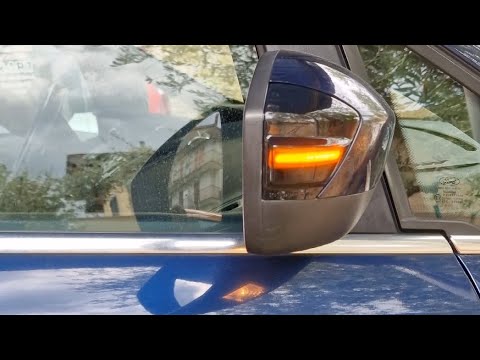
In this video, we see how to proceed to install dynamic turn signals on the side mirrors of a Ford CMax, replacing the traditional direction indicato…
Other guides you may be interested in
|
Renault Clio Radio Code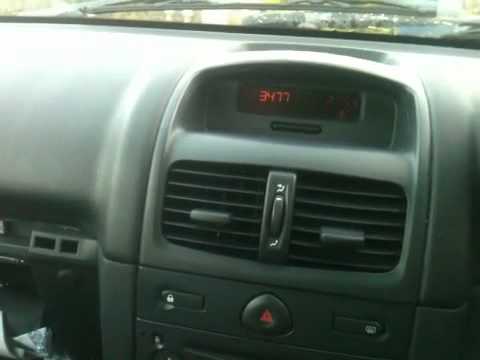
In this brief video tutorial, you will learn how to enter the radio code for a Renault Clio, which will unlock your radio so you can turn it on. In older vehicles, codes were used to lock the radio, and each user was required to have this code (usually the manufacturer always provides the unlock codes!). First, get inside the car and turn on the radio: the display will show "code", so enter the following code: 3479. At this point, wait for the beep, and your radio will finally be unlocked! by ScegliAuto More videos
|
|
For advertising on this site Write to info@scegliauto.com
ScegliAuto is not responsible for any inaccuracy of the data in the lists. To report any inaccuracy or your business (if you own the business in question), please write to info@scegliauto.com
Number of seconds to generate the page: 0.137
(c) ScegliAuto 2026 - info@scegliauto.com - Privacy policy VAT number: IT01247470535 |
