
|
Do it yourself
| |||
| ||||


Geely Lc - Video guides Geely Lc (2008-2016 / MK 1) How to set the time and date on a Geely Coolray vehicle To adjust the time and date on a Geely Coolray vehicle, turn on the instrument cluster and the onboard computer. Immediately after, press the General Menu …Read all… Posted on 30 October 2026 by ScegliAuto  Geely Lc (2008-2016 / MK 1) How to Remove the Windshield Wiper Blades from a Geely LC Panda In this video, we show you how to remove the windshield wiper blades from a Geely LC Panda. To start, remove the two plastic caps that protect the metal nuts …Read all… Posted on 5 August 2026 by ScegliAuto 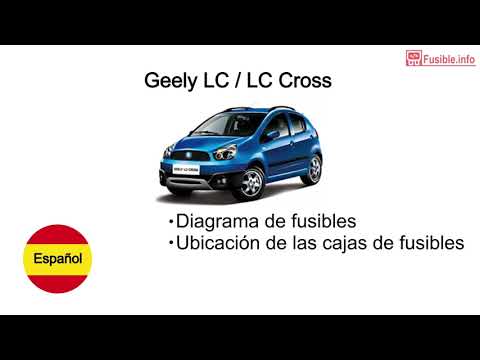 Geely Lc (2008-2016 / MK 1) Fuses Location and Diagram for the Geely LC In this brief and simple guide, let's look at the location and diagram of the fuses for the Geely LC, following the instructions below. First, get inside the …Read all… Posted on 4 August 2026 by ScegliAuto 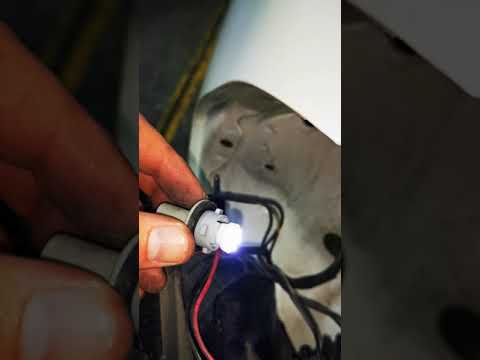 Geely Lc (2008-2016 / MK 1) How to Replace the Rear Fog Light Bulb on the Geely LC Today, in this video tutorial, learn how to remove and replace the rear fog light bulb on the Geely LC in simple and quick steps. First, move to the back of …Read all… Posted on 23 October 2026 by ScegliAuto 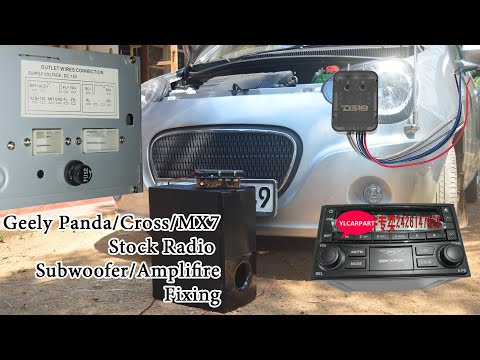 Geely Lc (2008-2016 / MK 1) How to Connect a New Car Radio and Subwoofer in a Geely LC If you plan to customize your vehicle and upgrade the stereo system, follow the instructions below. First, gather a small screwdriver to pry and remove the …Read all… Posted on 15 September 2026 by ScegliAuto 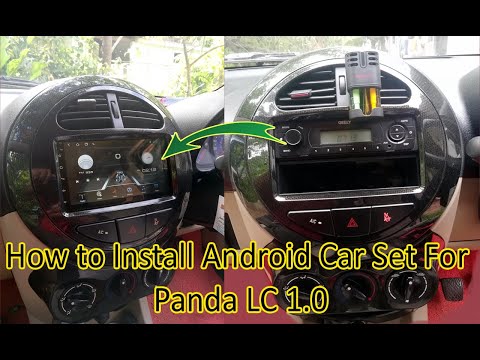 Geely Lc (2008-2016 / MK 1) How to Install an Android Radio in the Geely LC 1.0 In this video tutorial, you will find the main instructions to remove and replace the factory radio with an Android type in the Geely LC 1.0. First, get inside …Read all… Posted on 3 September 2026 by ScegliAuto  Geely Lc (2008-2016 / MK 1) How to Change the Wiper Motor on the Geely LC Let's see how to change the wiper motor on the Geely LC, which is called "Panda" in the Southeast Asian region. Start by removing the wiper (it is a single-arm …Read all… Posted on 8 August 2026 by ScegliAuto 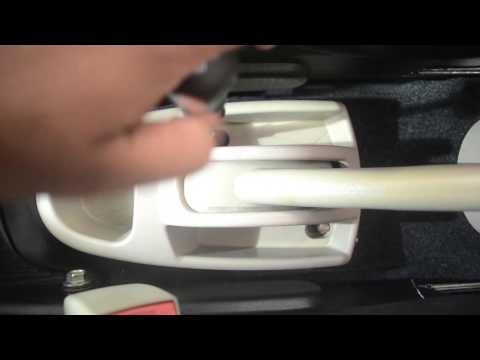 Geely Lc (2008-2016 / MK 1) How to Adjust the Handbrake on the Geely LC Today, we will see in this short and simple guide how to adjust the handbrake on the Geely LC by following the instructions below. First, get in the vehicle …Read all… Posted on 29 July 2026 by ScegliAuto  Geely Lc (2008-2016 / MK 1) How to Remove the Door Panel on a Geely LC? In this tutorial, you will see how to remove the door panel on a Geely LC, a very simple operation. First, remove the single screw from the inner mirror panel, …Read all… Posted on 21 July 2026 by ScegliAuto 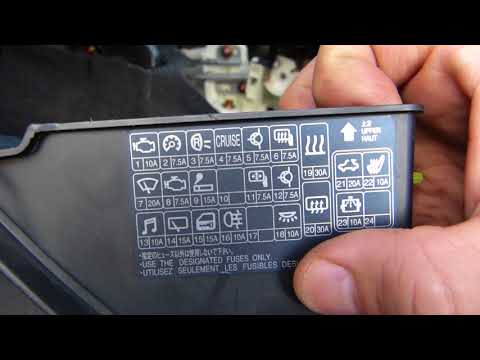 Geely Lc (2008-2016 / MK 1) Fuse Box of the Geely Lc This vehicle, like almost all cars, has two fuse boxes. The first is located in the engine compartment right next to the air filter and near the battery, …Read all… Posted on 17 July 2026 by ScegliAuto  Geely Lc (2008-2016 / MK 1) How to Replace the Serpentine Belt on a Geely LC If you want to perform a DIY replacement of the serpentine belt, follow the instructions provided below. First, open the hood, remove the air filter box …Read all… Posted on 16 July 2026 by ScegliAuto 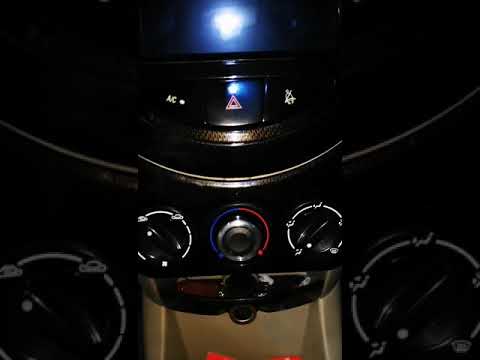 Geely Lc (2008-2016 / MK 1) How to Replace the Climate Control Knobs on the Geely LC In today's video tutorial, you will see, in simple and quick steps, how to remove and replace the climate control knobs on the Geely LC, following the …Read all… Posted on 16 July 2026 by ScegliAuto  Geely Lc (2008-2016 / MK 1) How to Replace the Cabin Air Filter on a Geely LC (Micro Panda) To replace the cabin air filter in the vehicle, access the cabin from the passenger side. To make the job easier, fully slide back the passenger seat and …Read all… Posted on 10 July 2026 by ScegliAuto 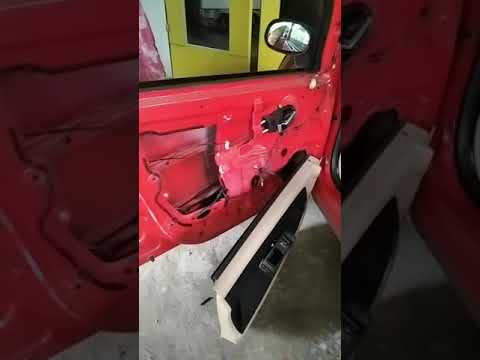 Geely Lc (2008-2016 / MK 1) How to Remove the Outer Door Handle of the Geely LC Discover the necessary instructions for removing and replacing the outer door handle of the Geely LC in this brief and simple guide. First, open the front door …Read all… Posted on 9 July 2026 by ScegliAuto
Car stereo (2)
V-belt (1)
Fog lights (1)
Cabin air filter (1)
Parking brake (1)
Handle (1)
Clock (1)
Door trim panel (1)
Heater control valve (1)
Fuse box (2)
Windshield wipers (2)
|
See also:How to Reset the AdBlue Warning Light on a Peugeot Boxer
To reset the AdBlue system on a 2018 Peugeot Boxer, follow these steps: Start the engine and ensure the vehicle is parked in a well-ventilated area. Locate the "MENU" button on the dashboard or steering wheel controls. Press and hold the "MENU" button until the menu options appear on the display. Use the arrow buttons or scroll wheel to access the "Vehicle Settings" or "Settings" menu. Select the "AdBlue" or "AdBlue System" option. Look for the "Recharge" or "Reset" option in the AdBlue menu. Once you find the reset option, select it and confirm your choice when prompted. The system will be reset, and a confirmation message may appear on the display. Turn off the engine and wait a few seconds. Restart the engine and check that the AdBlue system has been reset. by ScegliAuto More videos
|
For advertising on this site Write to info@scegliauto.com
ScegliAuto is not responsible for any inaccuracy of the data in the lists. To report any inaccuracy or your business (if you own the business in question), please write to info@scegliauto.com
Number of seconds to generate the page: 0.006
(c) ScegliAuto 2026 - info@scegliauto.com - Privacy policy VAT number: IT01247470535 |
