
|
Do it yourself
| |||
| ||||


How to replace the GMC Terrain key battery
Model: GMC GMC Various
If the smart key of your GMC Terrain suddenly stopped working, don't worry as the solution could be much simpler and cheaper than expected. In fact, many times this problem is caused by the presence of an exhausted battery. Let's find out how to replace it in seconds. First, locate the small metal button on the side of the cover and keep it pressed so that you can remove the physical key. Then open the cover completely and proceed with the replacement of the old battery. Once this is done, replace the cover and insert the emergency key inside.
Posted on 8 April 2022 by ScegliAuto
Video tutorial
Related tutorials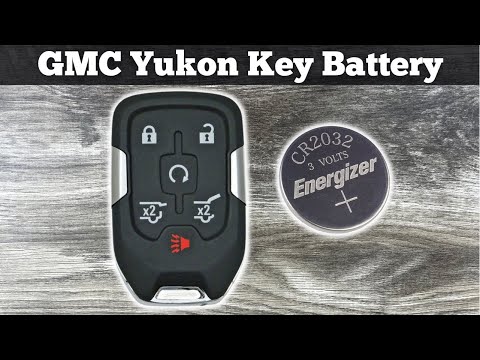
GMC GMC Various
If the key battery of your GMC Yukon is completely exhausted you must necessarily replace it. In this new mini guide we will go and discover together…
GMC GMC Various
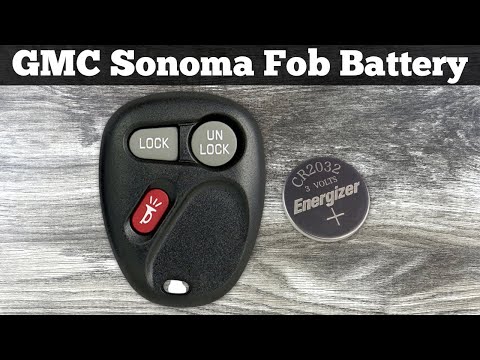
In this new mini guide dedicated to your Chevrolet Sonoma (year 1998-2004), we will discover together the various steps to follow if you want to corr…
GMC GMC Various
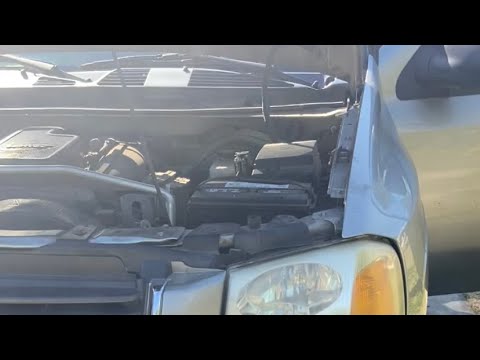
In this new mini guide dedicated to your 2003 GMC Envoy, we will discover where the box containing all the various fuses of the vehicle is located. F…
Other guides you may be interested in
|
How to Remove the CV Boot on Fiat Panda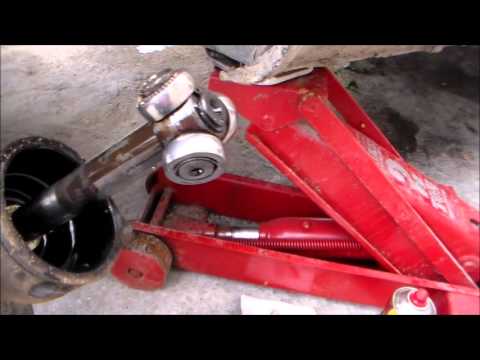
Let’s see how to remove the boot from the joint on a Fiat Panda. After positioning your car on a column lift: raise it to a comfortable height to work on, loosen the wheel nuts (using a socket wrench or air drill) and remove the wheel. Begin unscrewing the brake disc bolts with a socket wrench. Remove the bolts located under the disc and completely detach the wheel hub. Pull the arm around the joint with your hands. Fit the new boot (after removing the old one) onto the constant velocity joint, then start reassembling all the parts in reverse order. by ScegliAuto More videos
|
|
For advertising on this site Write to info@scegliauto.com
ScegliAuto is not responsible for any inaccuracy of the data in the lists. To report any inaccuracy or your business (if you own the business in question), please write to info@scegliauto.com
Number of seconds to generate the page: 0.129
(c) ScegliAuto 2026 - info@scegliauto.com - Privacy policy VAT number: IT01247470535 |
