
|
Do it yourself
| |||
| ||||


How to Replace the Battery on a Harley Davidson Dyna
Model: Harley Davidson Dyna
Video tutorial
Below are the instructions for removing and replacing the battery on a Harley Davidson Dyna motorcycle. First, place the bike on a stand and start by removing the rider and passenger seats; then remove the side cover of the battery by disconnecting both terminals (positive and negative), as shown in the video. At this point, install the new battery of the correct type and with the same amperage; reassemble and connect the battery, finishing with the cover and seats, and finally check that the engine starts!
Posted on 11 June 2026 by ScegliAuto
Related tutorials
Dyna
To replace the battery on a Harley Davidson Dyna, loosen the screws securing the cover panel located directly under the seat: this panel must be remo…

Dyna
In today's tutorial, you will learn how to remove and replace the battery on a Harley Davidson Dyna. The removal process is very simple and does not …

Dyna
Below are the main steps to disassemble and replace the battery of the Harley Davidson Dyna motorcycle. First, place your motorcycle on a stand and s…
|
How to Replace the Battery in a Kawasaki Ninja 250?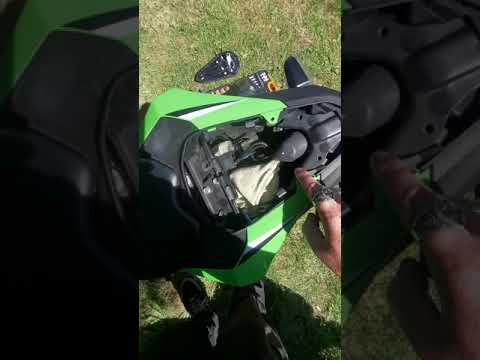
In this tutorial, you will learn how to replace the battery in a Kawasaki Ninja 250, a very simple and quick operation. First, ensure that the key is not inserted, then remove the passenger seat, unscrew the indicated screws, and take off the two side panels. Next, unscrew the additional bolts indicated, remove the rider's seat, and starting from the negative terminal, disconnect both battery terminals. At this point, unclip the upper securing strap, remove the battery, and install the replacement by following the reverse procedure. by ScegliAuto More videos
|
|
For advertising on this site Write to info@scegliauto.com
ScegliAuto is not responsible for any inaccuracy of the data in the lists. To report any inaccuracy or your business (if you own the business in question), please write to info@scegliauto.com
Number of seconds to generate the page: 0.044
(c) ScegliAuto 2026 - info@scegliauto.com - Privacy policy VAT number: IT01247470535 |
