
|
Do it yourself
| |||
| ||||


|
Model: Harley Davidson Dyna
To replace the clutch on a Harley Davidson Dyna, loosen the screws securing the cover on the left side of the bike. Once the cover is removed, you will have access to the components underneath. To remove the old clutch, loosen all the screws holding it in place, slide out the corresponding discs, and free the part from the chain. After the old clutch is removed, insert the new one, positioning the chain around it and covering everything with the cover.
Updated on 7 August 2026 by ScegliAuto
Video tutorial
Related tutorials
Dyna
It will be possible to replace the clutch of the Harley Davidson Dyna by loosening the transmission cover located on the lower right side of the moto…
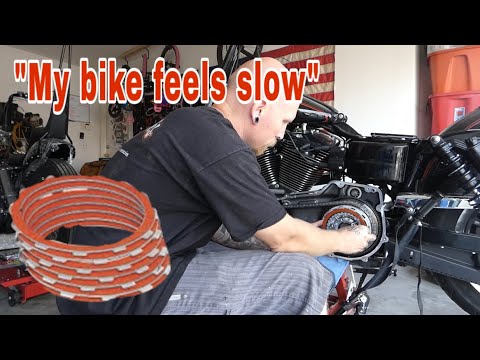
Dyna
To replace the clutch on the Harley Davidson Dyna, loosen the screws that secure the cover on the left side of the bike. Once the cover is removed, y…
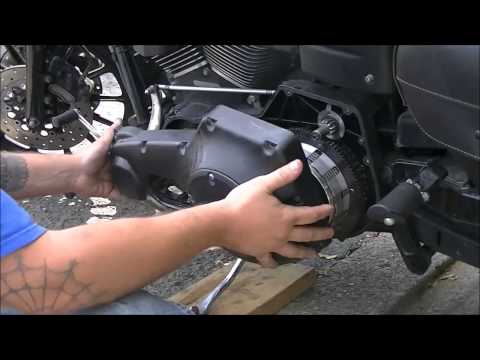
Dyna
In this guide, we will cover the instructions on how to remove and replace the starter motor on a Harley Davidson Dyna motorcycle. First, place the b…
|
How to replace the coolant in the BMW S1000 R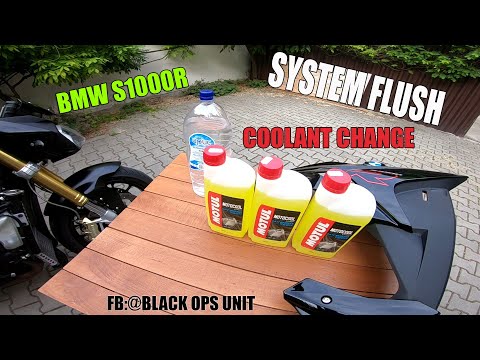
Today, we will see in this video tutorial how to bleed and replace the coolant in the BMW S1000 R motorcycle. First, place your motorcycle on a stand and start unscrewing the bleed screw located on the water pump casing, found at the bottom right; let the fluid drain into a container for about ten minutes. Now, unscrew the radiator cap and top up with the new coolant, the correct type for your radiator; fill it to the maximum level mark, starting the engine to circulate the fluid! by ScegliAuto More videos
|
|
For advertising on this site Write to info@scegliauto.com
ScegliAuto is not responsible for any inaccuracy of the data in the lists. To report any inaccuracy or your business (if you own the business in question), please write to info@scegliauto.com
Number of seconds to generate the page: 0.007
(c) ScegliAuto 2026 - info@scegliauto.com - Privacy policy VAT number: IT01247470535 |
