
|
Do it yourself
| |||
| ||||


|
Model: Harley Davidson Dyna
To replace the clutch on the Harley Davidson Dyna, loosen the screws that secure the cover on the left side of the bike. Once the cover is removed, you will have access to the components underneath. To remove the old clutch, loosen all the screws, slide out the corresponding discs, and free the piece from the corresponding chain. Once the old clutch is removed, insert the new one, placing the chain around it and securing all the discs with the appropriate screws.
Updated on 10 July 2026 by ScegliAuto
Video tutorial
Related tutorials
Dyna
It will be possible to replace the clutch of the Harley Davidson Dyna by loosening the transmission cover located on the lower right side of the moto…
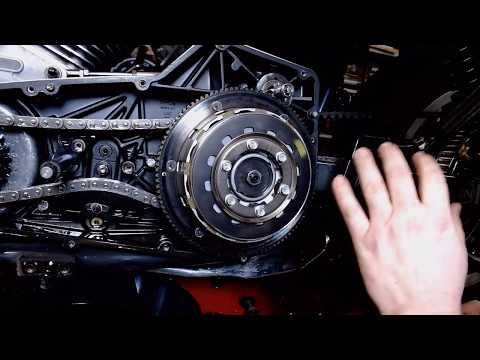
Dyna
To replace the clutch on a Harley Davidson Dyna, loosen the screws securing the cover on the left side of the bike. Once the cover is removed, you wi…
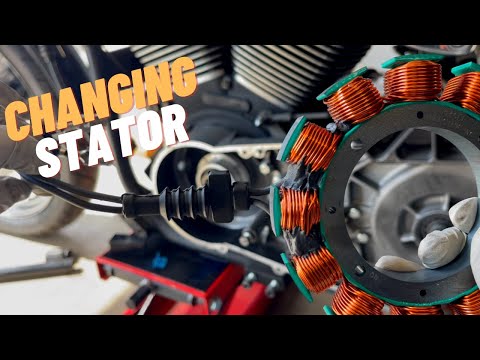
Dyna
To replace the stator on a Harley Davidson Dyna, you need to loosen the screws securing the transmission cover located on the right side of the bike:…
|
How to replace the air filter in the Herald Classic 125?
In this tutorial, you will see how to replace the air filter in the Herald Classic 125, a very simple and quick operation. First, position yourself on the left side of the motorcycle, then grab the panel located under the seat, pull it towards you, and detach it from the frame. Next, unscrew the three fastening screws of the airbox cover, remove it, and take out the old filter from its housing. At this point, remove any dirt residue present, insert the replacement filter, and reassemble everything by following the reverse procedure. by ScegliAuto More videos
|
|
For advertising on this site Write to info@scegliauto.com
ScegliAuto is not responsible for any inaccuracy of the data in the lists. To report any inaccuracy or your business (if you own the business in question), please write to info@scegliauto.com
Number of seconds to generate the page: 0.005
(c) ScegliAuto 2026 - info@scegliauto.com - Privacy policy VAT number: IT01247470535 |
