
|
Do it yourself
| |||
| ||||


|
Model: Harley Davidson Electra Glide
Before you can start, sit on the seat of your Harley Davidson Electra Glide. Begin by turning the key in the ignition switch to activate the instrument cluster. Next, press and hold the button located at the bottom right of the instrument cluster until you enter the service menu. Once done, release the button, then select and confirm the "Reset" option. At this point, select and confirm the "Mileage reset" option, then confirm again, and you will have completed the reset.
Updated on 15 April 2026 by ScegliAuto
Video tutorial
Related tutorials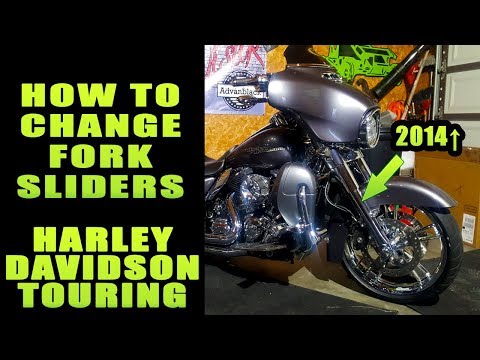
Electra Glide
Before starting, position your Harley Davidson Electra Glide vertically, and if possible, lift it to work more comfortably on the front fender. Begin…

Electra Glide
Today, you will see the instructions that will allow you to remove and replace the starter motor on a Harley Davidson Electra Glide motorcycle. First…

Electra Glide
This video shows the steps to remove and replace the starter motor on a Harley Davidson Electra Glide. First, disconnect the battery. Next, unplug th…
|
How to Replace the Remote Battery in a Ducati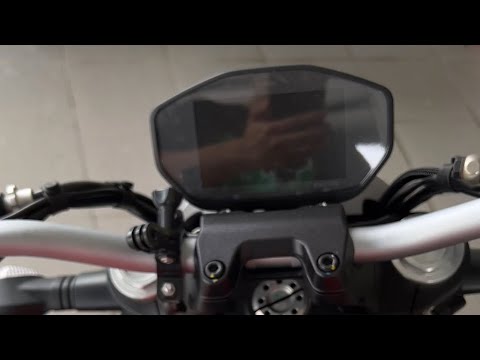
As shown in this tutorial, replacing the battery in the Ducati Monster 821 is an extremely simple and quick task. First, ensure the key is not inserted. Then locate the plastic cover at the bottom, just below the rear shock absorber, and remove it by unscrewing the respective side screws. If necessary, remove the seat to gain more working space. Once you have access to the battery, disconnect both terminals, support it through the indicated hole, and unscrew the lower fixing bolts. To fit the replacement, simply follow the reverse procedure. by ScegliAuto More videos
|
|
For advertising on this site Write to info@scegliauto.com
ScegliAuto is not responsible for any inaccuracy of the data in the lists. To report any inaccuracy or your business (if you own the business in question), please write to info@scegliauto.com
Number of seconds to generate the page: 0.006
(c) ScegliAuto 2026 - info@scegliauto.com - Privacy policy VAT number: IT01247470535 |
