
|
Do it yourself
| |||
| ||||


|
Model: Harley Davidson Street Glide
The replacement of the brake pads on the Harley Davidson Street Glide can be done by loosening the screws that secure the brake caliper to the corresponding disk: once the caliper mounting screws have been loosened, it will be possible to detach the caliper from the corresponding disk so that the pads inside can be removed after removing the pin. Once the old pads have been removed, it will be possible to proceed by inserting the new pads into their seat: in this way it will be possible to secure them with the appropriate screws, checking that everything works properly.
Posted on 11 July 2024 by ScegliAuto
Video tutorial
Related tutorials
Street Glide
In order to replace the rear brake pads of the Harley Davidson Street Glide, you need to loosen the screw that secures the rear brake caliper to the …

Street Glide
This tutorial demonstrates how to replace the front headlight on the Harley-Davidson Street Glide, a very simple and quick operation. First, ensure t…

Street Glide
Today, we will see in this video tutorial how to remove and replace the battery of the Harley Davidson Street Glide motorcycle by following these sim…
|
How to Replace the Exhaust on a Derbi GPR 50?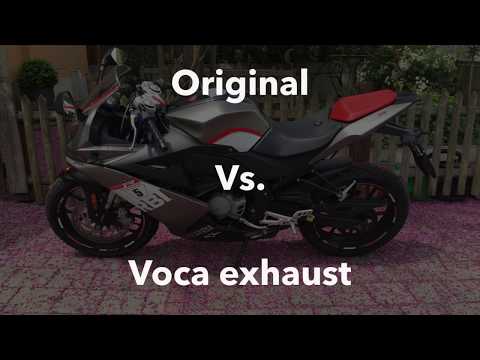
To replace the exhaust on the Derbi GPR 50, loosen the screws that secure the exhaust end can to the supports. Once the old exhaust is freed from its supports, proceed to remove the connecting clamp that joins the end can to the exhaust manifold. This will allow you to completely remove the old exhaust and insert the new one: the new exhaust can now be connected and installed in its place to ensure everything functions correctly after the replacement. by ScegliAuto More videos
|
|
For advertising on this site Write to info@scegliauto.com
ScegliAuto is not responsible for any inaccuracy of the data in the lists. To report any inaccuracy or your business (if you own the business in question), please write to info@scegliauto.com
Number of seconds to generate the page: 0.028
(c) ScegliAuto 2026 - info@scegliauto.com - Privacy policy VAT number: IT01247470535 |
