
|
Do it yourself
| |||
| ||||


Model: Honda Sh 150
Let's see how to turn off the service light on the Honda SH 150/125 (but the procedure is valid for most Honda scooters). With the ignition off, press and hold the clock button on the dashboard; while still holding the button, turn on the ignition: the light will turn off after a few seconds. At this point, you can release the button: done! The light is reset. If it doesn't work, try holding the clock button longer (up to 10 seconds). Some versions have a "sel" or "reset" button to press instead of the clock button. On newer models with an LCD display, the reset is done using the "sel" button + "mode" button. If the light remains on, there may be a mechanical issue to resolve.
Posted on 19 April 2026 by ScegliAuto
Video tutorial
Related tutorials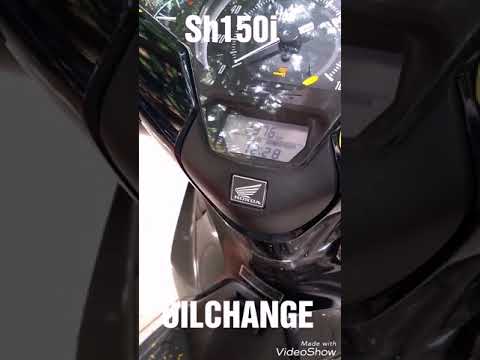
Sh 150
Discover in this short and simple guide how to reset the oil change light that appears on the dashboard of the 2017-2018 Honda SH 125i scooter, as we…
Sh 150
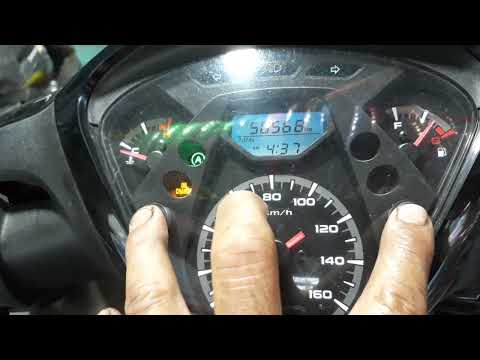
If you notice that the oil light stays on when you start your Honda SH 150, even after changing the fluid, you need to follow this manual reset proce…

Sh 150
In this video we can see how to reset the service light of the Honda SH 150. We see the operation done on a tool that has been removed from the vehic…
|
How to Replace the Front Brake Pads on a Peugeot Elyseo 125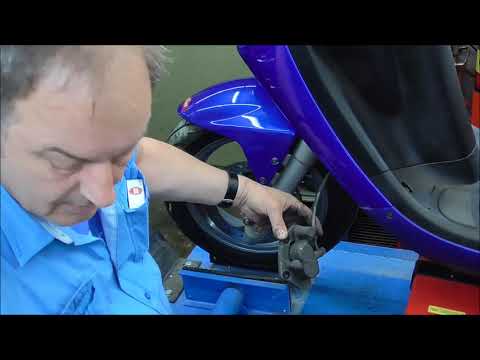
This guide briefly explains how to remove and replace the front brake pads on the Peugeot Elyseo 125 scooter. First, place your scooter on the centre stand and start unscrewing the bolts securing the front brake caliper to remove it from the disc; then, apply pressure to the caliper piston and clean it from any residual dirt, as shown in the video. At this point, remove and replace the brake pads with new, high-quality ones, installing them in the correct orientation and then refitting the brake caliper! by ScegliAuto More videos
|
|
For advertising on this site Write to info@scegliauto.com
ScegliAuto is not responsible for any inaccuracy of the data in the lists. To report any inaccuracy or your business (if you own the business in question), please write to info@scegliauto.com
Number of seconds to generate the page: 0.006
(c) ScegliAuto 2026 - info@scegliauto.com - Privacy policy VAT number: IT01247470535 |
