
|
Do it yourself
| |||
| ||||


Model: Honda Sp 125
In this tutorial, you will see how to set the time on the Honda SP 125, a very simple and quick operation, to be done for example after disconnecting the battery or following the change to daylight saving time. First, insert the key, then turn on the instrument panel and press both dashboard buttons for the time required until the clock starts flashing. Next, press the right button, adjust the hour with the left button, and, using the right button, switch to minutes. To save the setting, simply restart the instrument panel.
Posted on 2 June 2026 by ScegliAuto
Video tutorial
Related tutorials
Sp 125
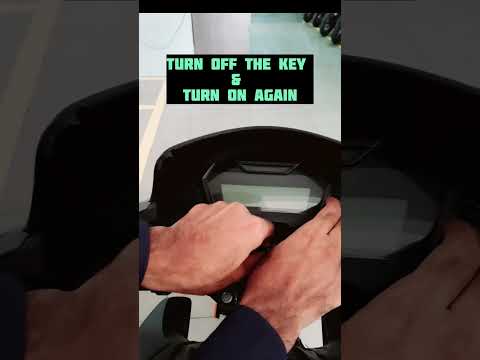
If you own a Honda Sp 125 and want to learn how to manually adjust the time displayed on the central panel, all you have to do is follow the steps de…
Sp 125
If the service light on the central panel of your Honda Sp 125 continues to light up even though you have recently had a service, don't worry because…
Sp 125
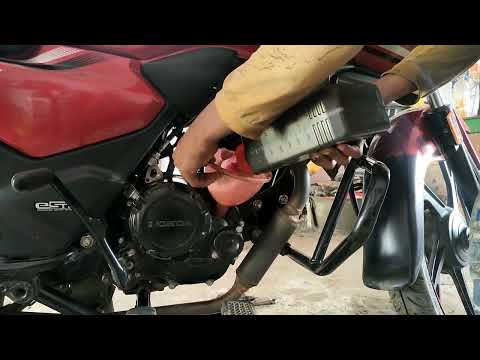
In this tutorial, we will see how to change the engine oil in a Honda SP 125, a very simple and quick operation to perform every 12 months. First, en…
|
How to Replace the Battery of the Kymco Agility 125?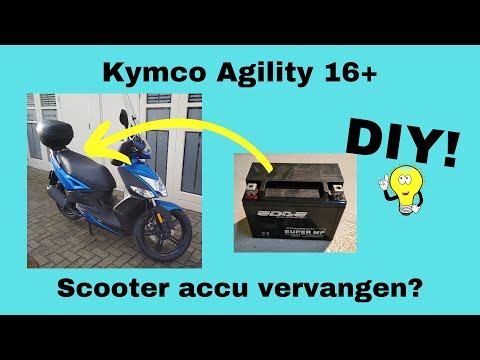
To replace the battery of the Kymco Agility 125, lift the seat to access the compartment underneath. At the rear of the under-seat compartment, you will find the battery under the corresponding panel. By unscrewing the screws that secure the panel, you can access the battery underneath, which must be freed from the corresponding securing screws and the appropriate power cables. Once the device is free, insert the new one, connecting and securing it properly, and cover everything with the panel. by ScegliAuto More videos
|
|
For advertising on this site Write to info@scegliauto.com
ScegliAuto is not responsible for any inaccuracy of the data in the lists. To report any inaccuracy or your business (if you own the business in question), please write to info@scegliauto.com
Number of seconds to generate the page: 0.028
(c) ScegliAuto 2026 - info@scegliauto.com - Privacy policy VAT number: IT01247470535 |
