
|
Do it yourself
| |||
| ||||


How to Reset the Oil Change Light on the Honda SH125i
Model: Honda Sh 125i
Video tutorial
This guide shows how to turn off the oil change light on the Honda SH125i. This light is red with the text "Oil change" and is located on the dial above the speedometer. No specific tools are required for this operation. First, turn the ignition on and off. Then, while holding down the clock adjustment button, which is the one on the right side of the dashboard, turn the dashboard back on and wait for the oil change light to turn off. Turn off the ignition and turn it back on to check that everything has gone well. The oil change light reset operation is complete.
Updated on 15 April 2026 by ScegliAuto
Related tutorials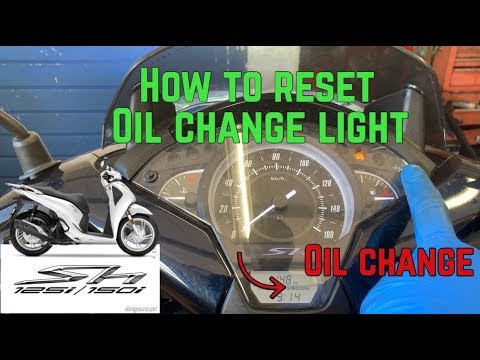
Sh 125i
In this video tutorial, you will learn how to reset the oil change or service light on a 2017 Honda SH 125i scooter by following these simple steps. …

Sh 125i
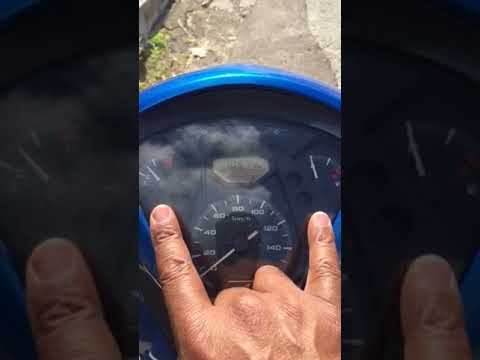
To reset the Oil Change light on a Honda SH 125i, first, change the oil by draining it from the drain plug and topping up with oil that meets the cor…
Sh 125i
The oil change service on the Honda SH 125 is performed for the first time after 625 miles and subsequently at 2,500, 3,750, 5,000, and 7,500 miles. …
|
How to Replace the Clutch on a Kymco Downtown 125?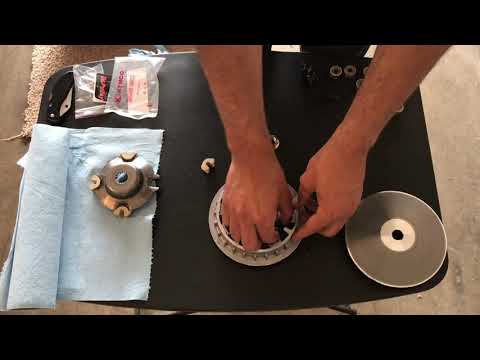
To replace the clutch on the Kymco Downtown 125, loosen the screws that secure the cover located on the left side of the bike, near the rear wheel. Once the screws are loosened, remove the cover to access the components underneath: the clutch at the rear can be removed by unscrewing the fixing screws and sliding out all the discs that make it up. At this point, insert the new replacement part, reposition the drive belt, and cover everything with the cover. by ScegliAuto More videos
|
For advertising on this site Write to info@scegliauto.com
ScegliAuto is not responsible for any inaccuracy of the data in the lists. To report any inaccuracy or your business (if you own the business in question), please write to info@scegliauto.com
Number of seconds to generate the page: 0.007
(c) ScegliAuto 2026 - info@scegliauto.com - Privacy policy VAT number: IT01247470535 |
