
|
Do it yourself
| |||
| ||||


Model: Honda Integra
The battery of the Honda Integra is located under the rider's seat. Simply lift the seat to access the compartment. It is housed in a box secured with plastic clip screws, which are under pressure. Once the cover is removed, loosen the two terminals (starting with the negative) and move the cables aside. To remove the battery, pull it by its handle, as there are no other points to grip. Remember that the Honda Integra (like all modern motorcycles) relies on a lot of electronics, so it requires a fully functioning battery to start. Also, ensure that the used battery is disposed of at an authorised centre! Reinsert the new battery (with its strap, otherwise you won't be able to remove it when it is depleted), reconnect the terminals (positive first, then negative), replace the cover, and lower the seat. Job done.
Updated on 9 July 2026 by ScegliAuto
Video tutorial
Related tutorials
Integra
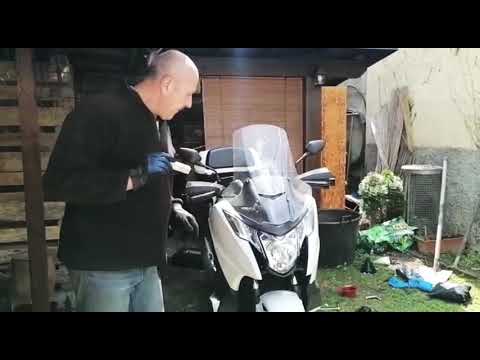
Below are the instructions on how to remove and replace the headlight bulb on the Honda Integra 750. First, move to the front and start by removing t…
Integra
To replace the spark plugs on the Honda Integra 750, remove the 8 screws securing the panel located just behind the front wheel fork. Once the panel …
Integra
Today, you will learn how to dismantle and replace the headlight bulb on a Honda Integra in simple steps. First, access the rear of the headlight fro…
|
How to Reset the Oil Light on a Honda PCX 160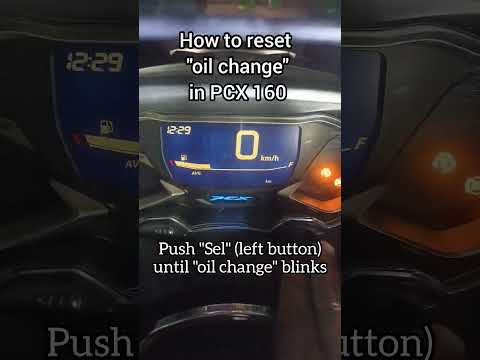
In this mini guide, discover the steps to manually reset the oil light on the central display of your Honda PCX 160. First, turn on the ignition with the key and press both the 'Sel' and 'Set' buttons located below it simultaneously. When the time starts to flash, hold 'Sel' until the oil indicator flashes, then press the 'Set' button once. To complete the reset, hold 'Sel' again until the operation is finished. by ScegliAuto More videos
|
|
For advertising on this site Write to info@scegliauto.com
ScegliAuto is not responsible for any inaccuracy of the data in the lists. To report any inaccuracy or your business (if you own the business in question), please write to info@scegliauto.com
Number of seconds to generate the page: 0.007
(c) ScegliAuto 2026 - info@scegliauto.com - Privacy policy VAT number: IT01247470535 |
