
|
Do it yourself
| |||
| ||||


Complete Removal of Rear View Mirror on Honda Civic
Model: Honda Civic
MK 10
- Years 2016-2021
Using a plastic trim tool, gently extract the mirror from its housing, which will disengage from the rear clips. Keep in mind that there are two connectors attached to the mirror, so do not pull too hard immediately. After disconnecting the connectors, you can proceed to fully remove the mirror. Once done, unscrew the exposed T20 Torx screw. This secures the cover along with the two black clips. Use the trim tool again to leverage the surrounding gap and push the clips for the removal of the cover. Proceed in reverse for reassembly.
Updated on 8 April 2026 by ScegliAuto
This video is currently unavailable
Related tutorials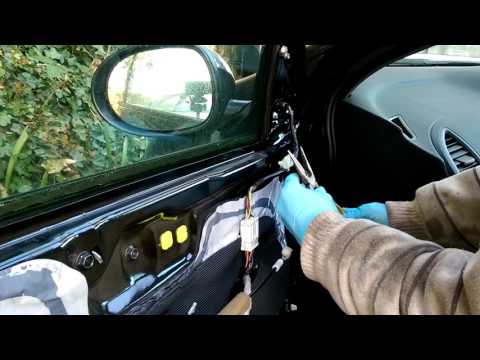
Honda Civic
(2006-2012 /
MK 8)
Dismantling the rear-view mirror of the Civic? Remove the door panel to disconnect the electrical connector attached to the mirror. Use a lever to re…
Honda Civic
(2001-2006 /
MK 7)
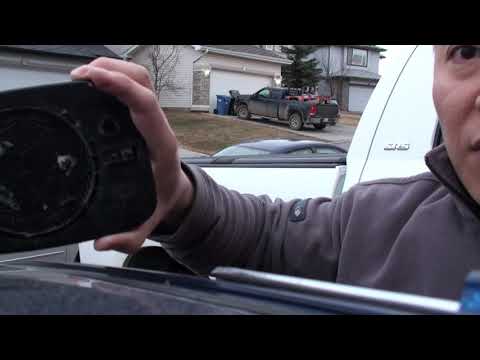
In today's video, follow the steps to dismantle and replace the glass of the external rear-view mirror of the Honda Civic. First, position yourself a…
Honda Civic
(2016-2021 /
MK 10)
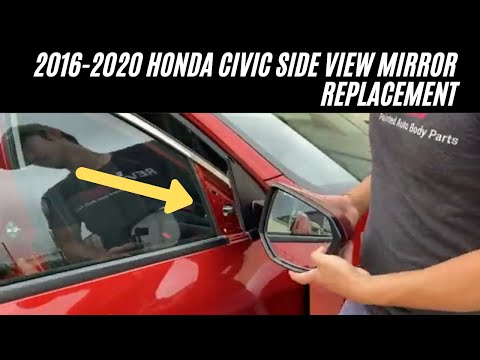
Today, in this tutorial video, you will learn how to remove and replace the external wing mirror on the Honda Civic. First, open the front door and s…
Other guides you may be interested in |
How to Connect the Cables to the Battery of the Citroen Xsara Picasso?
In this tutorial, you will see how to connect the cables to the battery of the Citroen Xsara Picasso, useful if you need to recharge it or perform an emergency start. First, ensure the key is not inserted, then open the bonnet and move to the front of the left headlamp. Next, locate the bolt just behind the filter box and connect the positive terminal clamp to it. Now you can connect the negative terminal to any point on the chassis, such as the indicated point. Once the operation is complete, ensure you disconnect the negative first and then the positive. by ScegliAuto More videos
|
|
For advertising on this site Write to info@scegliauto.com
ScegliAuto is not responsible for any inaccuracy of the data in the lists. To report any inaccuracy or your business (if you own the business in question), please write to info@scegliauto.com
Number of seconds to generate the page: 0.147
(c) ScegliAuto 2026 - info@scegliauto.com - Privacy policy VAT number: IT01247470535 |
