
|
Do it yourself
| |||
| ||||


|
Model: Husqvarna Fe 350
In this tutorial, you will see how to reset the service on the Husqvarna FE 350, a very simple and quick operation. Before proceeding, ensure you have completed all required scheduled maintenance tasks. Start by inserting the key and turning on the instrument panel; it is not necessary to start the engine. Then, repeatedly press the button located to the right of the display until you reach the odometer reading "ODO". Once done, press and hold the opposite button for about 5 seconds, and when the screen changes, press the right button again.
Updated on 7 July 2026 by ScegliAuto
Video tutorial
Related tutorials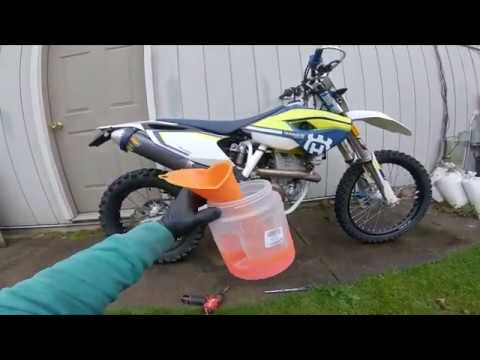
Fe 350
Today, we will see in this brief and simple guide how to bleed and replace the coolant in the Husqvarna FE 350, following the instructions below. Fir…
Fe 350
To remove the rear mudguard of the Husqvarna FE 350, loosen the bolts securing the seat to its housing so that it can be completely removed. After re…
Fe 350
To replace the fuel tank on the Husqvarna FE 350, loosen all the screws securing the seat of the motorcycle, which must be removed to access the unde…
|
How do you replace the headlight bulb of the Sym Citycom 300?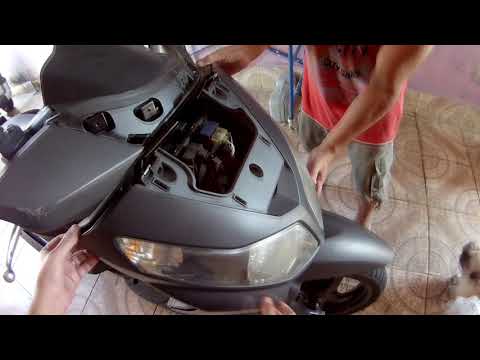
In order to replace the headlight bulb of the Sym Citycom 300, you need to loosen the screws that secure the panels located at the front of the motorcycle fairing: once the fastening screws of these panels have been loosened, you can unscrew those on the inside of the front fairing, so that the latter can be removed from its seat. Now it will be possible to proceed by unscrewing the screws that secure the corresponding headlight, disconnecting its connector and removing the bulb inside; in this way you can reinstall the removed panels. by ScegliAuto More videos
|
|
For advertising on this site Write to info@scegliauto.com
ScegliAuto is not responsible for any inaccuracy of the data in the lists. To report any inaccuracy or your business (if you own the business in question), please write to info@scegliauto.com
Number of seconds to generate the page: 0.007
(c) ScegliAuto 2026 - info@scegliauto.com - Privacy policy VAT number: IT01247470535 |
