
|
Do it yourself
| |||
| ||||


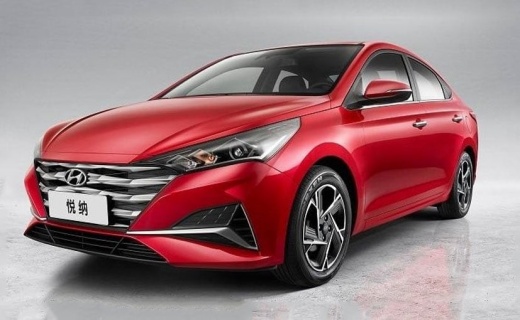
How to Install a New Multimedia System in the Hyundai Reina Verna
Model: Hyundai Reina Verna
MK 1
- Years 2017-2024
In this guide, let's discover the instructions that will allow you to install a new multimedia system in the Hyundai Reina Verna. First, get in the vehicle and start by removing the center cover of the dashboard by prying it off at the sides; then unscrew the mounting screws of the radio, disconnecting the electrical connectors found at the back to remove it, as shown in the video. At this point, install the new multimedia system, making any necessary wiring modifications; then reassemble everything, following the video tutorial until the end!
Updated on 4 August 2026 by ScegliAuto
Video tutorial
Related tutorials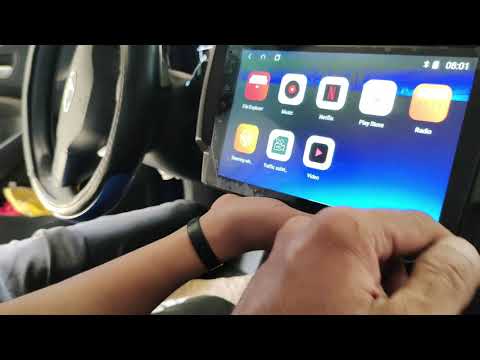
Hyundai Reina Verna
(2017-2024 /
MK 1)
In this brief and simple guide, follow the steps to remove and replace the factory radio with a new Android multimedia system on the Hyundai Reina Ve…
Hyundai Reina Verna
(2017-2024 /
MK 1)
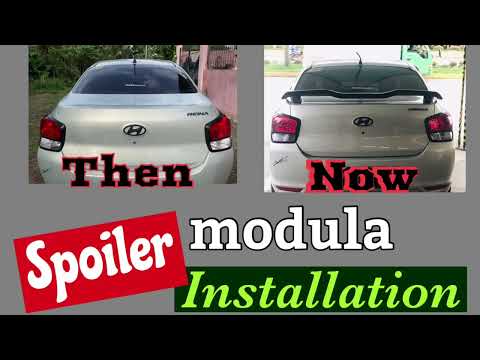
How to install a universal spoiler on your Hyundai Reina Verna. You can purchase this accessory on Shopee.com by searching for "Spoiler for Hyundai u…
Hyundai Reina Verna
(2017-2024 /
MK 1)
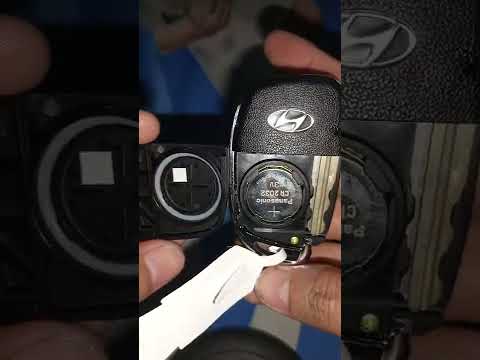
As shown in the tutorial video, replacing the remote battery of the Hyundai Reina is an easy task. To do this, you will need a replacement CR2032 bat…
Other guides you may be interested in
|
How to Open the Bonnet of a Renault Megane if the Lever is Broken?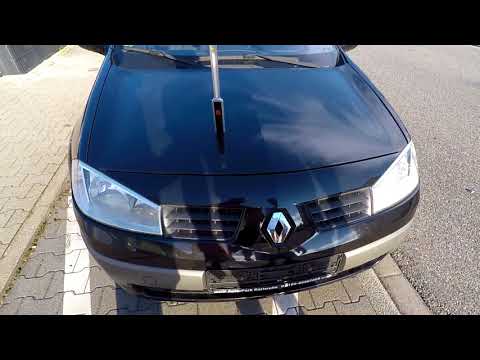
If the lever that unlocks the bonnet of the Renault Megane is broken or not functioning, there is an emergency procedure to unlock the mechanism: remove the right front grille located at the top of the bumper. Once the grille is removed, you can locate the actuator mechanism: by pulling the spring in this position, you can unlock the actuator, allowing you to lift the bonnet and access the components located inside the engine compartment. You can then close the bonnet simply by lowering it. by ScegliAuto More videos
|
|
For advertising on this site Write to info@scegliauto.com
ScegliAuto is not responsible for any inaccuracy of the data in the lists. To report any inaccuracy or your business (if you own the business in question), please write to info@scegliauto.com
Number of seconds to generate the page: 0.617
(c) ScegliAuto 2026 - info@scegliauto.com - Privacy policy VAT number: IT01247470535 |
