
|
Do it yourself
| |||
| ||||


How is the time set on Iveco trucks?
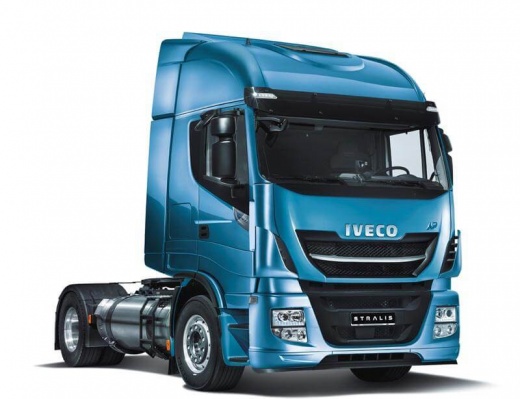
Model: IVECO Stralis
MK 1
- Years 2002-2019
This video specifically talks about the 2016 Iveco Stralis, presenting all the available features of the cabin, the various settings, the materials used for the interior, and so on. In reference to adjusting the clock, visible on the touchscreen display of the dashboard, among the various buttons present, we press the Settings button, then select Date and Time. The time will appear, with arrow buttons next to it to select Hour and Minutes as needed. It is a simple and straightforward procedure, managed intuitively thanks to the clear and well-structured graphics.
Posted on 9 December 2024 by ScegliAuto
Video tutorial
Related tutorials
IVECO Stralis
(2002-2019 /
MK 1)
The Iveco Stralis, a famous and widely used heavy vehicle, provides the driver with a whole series of information, like many other vehicles, in fact …

IVECO Stralis
(2002-2019 /
MK 1)
In this video we will see how to view driving times from the dashboard of the Iveco Stralis instead of from the tachograph. With the vehicle stopped,…
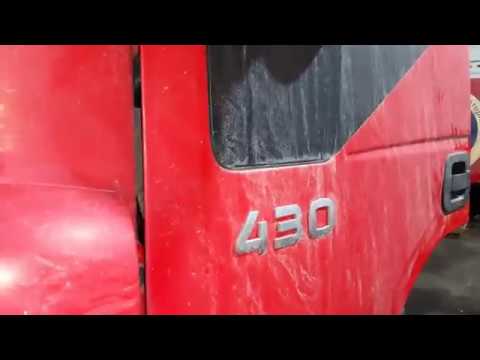
IVECO Stralis
Below we will see the steps that will allow us to locate the internal fuse box of the Iveco Stralis, following the instructions below. First of all, …
Other guides you may be interested in
|
How to Open the Boot of the Ford Ecosport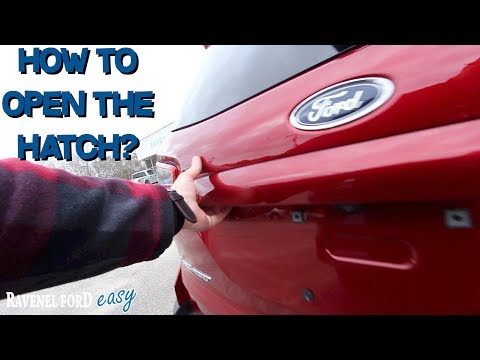
Opening the boot lid of the Ford Ecosport is a straightforward operation that greatly facilitates access when normal operation would otherwise be inconvenient. Naturally, you can open the boot using the remote/key in the same way you open the doors of the cabin. However, in some cases, you may need to open it in other ways. You will notice that there is no handle or button for manual opening in the usual positions. Instead, you will find the handle with the lock underneath at the top of the right rear light, highlighted by the chrome finish. This allows you to open the boot, which will swing open to the left. by ScegliAuto More videos
|
|
For advertising on this site Write to info@scegliauto.com
ScegliAuto is not responsible for any inaccuracy of the data in the lists. To report any inaccuracy or your business (if you own the business in question), please write to info@scegliauto.com
Number of seconds to generate the page: 0.082
(c) ScegliAuto 2026 - info@scegliauto.com - Privacy policy VAT number: IT01247470535 |
