
|
Do it yourself
| |||
| ||||


How to reset the oil warning light on an Iveco Daily.
Model: IVECO Daily
MK 4
- Years 2006-2020
Video tutorial
Detailed instructions - To reset the service light on an Iveco Daily - after performing the service - get into the vehicle, close all doors, and turn on the ignition. Press the selection button repeatedly until "trip" appears on the multifunction display. Press the selection button until the mileage is shown on the multifunction display. Press and hold the phone call acceptance button while also pressing and holding the "ok" button for 5 seconds. Scroll through the text using the button until "assyst plus" and then "full service" appear, and confirm with "ok". Press the "ok" button and navigate back to the main menu. Turn off the ignition and then turn it back on to check that the indicator has been reset.
Updated on 17 July 2026 by ScegliAuto
Related tutorials
IVECO Daily
(2014-2026 /
MK 5)
When the engine oil light comes on in the 2023 Iveco Daily, it means that it is necessary to top up the liquid inside the tank and only then reset th…
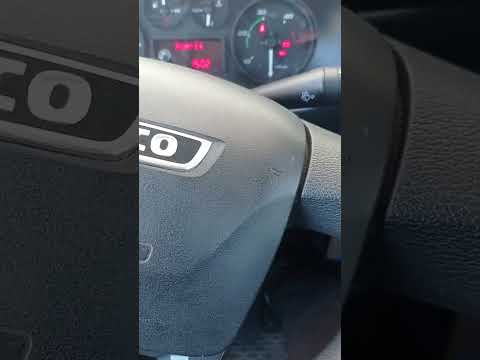
IVECO Daily
Resetting the oil warning light on an Iveco Daily is a simple task that can be done independently. This short video tutorial will guide you step by s…

IVECO Daily
(2014-2026 /
MK 5)
Fortunately, to reset the engine oil light on your Iveco Daily latest series (year 2024) you do not necessarily need to seek professional help, so yo…
Other guides you may be interested in |
How to Lower the Rear Seat Backs of the Mercedes C-Class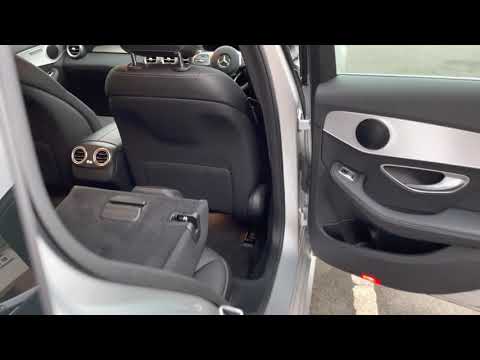
Follow these steps to lower the rear seat backs of the Mercedes C-Class. First, unlock the door latches and open the trunk. On both sides, there is a release button for the seat backs that will allow you to lower them instantly, as shown in the video. To raise the seat backs again, you must do it manually until they latch securely; reclining the seat backs will significantly increase the cargo space! by ScegliAuto More videos
|
|
For advertising on this site Write to info@scegliauto.com
ScegliAuto is not responsible for any inaccuracy of the data in the lists. To report any inaccuracy or your business (if you own the business in question), please write to info@scegliauto.com
Number of seconds to generate the page: 0.050
(c) ScegliAuto 2026 - info@scegliauto.com - Privacy policy VAT number: IT01247470535 |
