
|
Do it yourself
| |||
| ||||


How to Change the Time on the Iveco Daily
Model: IVECO Daily
Video tutorial
Detailed instructions - Below are the main steps to adjust the time on the Iveco Daily. First, get inside the vehicle and turn on the ignition by turning the key to position one. Then, scroll through the menu options on the onboard computer that appear on the small display of the instrument cluster to find the clock setting, as illustrated in the video. Now modify the hour first, then the minutes; exit the settings menu to save the changes, following the video tutorial to the end!
Updated on 27 August 2026 by ScegliAuto
Related tutorials
IVECO Daily
In this short video tutorial, we will see the steps necessary to change the time on the onboard computer of a 2019 Iveco Daily. First, turn on the ve…

IVECO Daily
In this tutorial, see how to set the time in the Iveco Daily van, a very simple and quick operation to perform after replacing the battery or followi…
IVECO Daily
(2006-2020 /
MK 4)
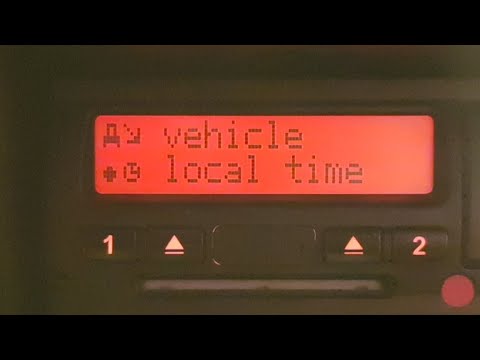
In this video, see how to change the time on the tachograph of an Iveco Daily when switching from British Summer Time to Greenwich Mean Time. You nee…
Other guides you may be interested in
|
How to set the clock on the Vespa 125 Primavera?
To set the clock on the Vespa 125 Primavera, press and hold the black button located just below the black knob on the bike: keep the button pressed until the hour number starts to flash. Once it is flashing, you can change the hours with single presses of the same button; then, by pressing and holding the button again, the hour number will stop flashing and the minute number will start to flash, which can be modified in the same way, confirming the input by holding the button. by ScegliAuto More videos
|
For advertising on this site Write to info@scegliauto.com
ScegliAuto is not responsible for any inaccuracy of the data in the lists. To report any inaccuracy or your business (if you own the business in question), please write to info@scegliauto.com
Number of seconds to generate the page: 0.174
(c) ScegliAuto 2026 - info@scegliauto.com - Privacy policy VAT number: IT01247470535 |
