
|
Do it yourself
| |||
| ||||


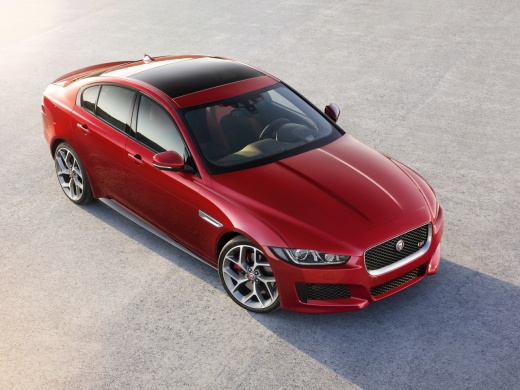
How to reset the AdBlue warning light on the Jaguar XE?
Model: Jaguar Xe
MK 1
- Years:
2015, 2016, 2017, 2018, 2019, 2020, 2021, 2022, 2023, 2024
This video is currently unavailable
To reset the AdBlue warning light on the Jaguar XE, you need to top up the additive liquid by adding the necessary amount to the tank; to do this, open the boot and locate the tank cap on the left side inside the boot. Here, you can unscrew the cap so you can add the liquid, filling the tank. Once the tank is full, close the cap and check that the warning light has disappeared from the instrument cluster.
Updated on 3 November 2026 by ScegliAuto
Related tutorials
Jaguar Xe
(2015-2024 /
MK 1)
If the AdBlue warning light in the instrument panel of our Jaguar XE comes on, it means that the pollution control system fluid has reached the minim…

Jaguar Xe
(2015-2024 /
MK 1)
In this tutorial, you will see how to top up AdBlue in a Jaguar XE, a very simple and quick operation to perform after the relevant warning light ill…
Jaguar Xe
(2015-2024 /
MK 1)
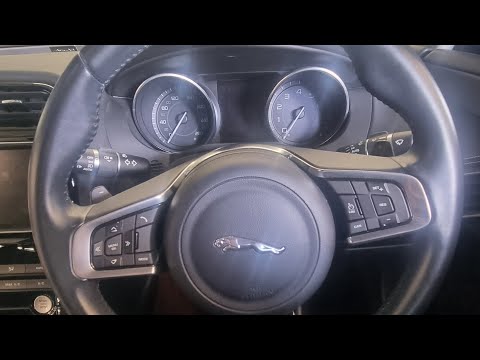
To reset the "Service" light on your Jaguar XE, follow these steps. Start the car and wait for all dashboard checks to complete, including the illumi…
ScegliAuto offers an extensive international collection of automotive tutorials available in 12 languages. Each guide combines instructional videos with original explanations written by experienced human editors, along with information about the car models covered.
Other guides you may be interested in
|
How to Reset the Tyre Pressure Warning Light on the Toyota RAV 4
Today, discover the guide that will allow you to reset the tyre pressure warning light on the Toyota RAV 4; before performing the reset, ensure that all four tyres are at the correct operating pressure. Then, get in the vehicle and turn on the ignition; navigate to the vehicle settings and then to the TPMS option, as shown in the video. At this point, reset the warning light by confirming with the OK button; this will automatically reset the TPMS light on the instrument panel! by ScegliAuto More videos
|
|
For advertising on this site Write to info@scegliauto.com
ScegliAuto is not responsible for any inaccuracy of the data in the lists. To report any inaccuracy or your business (if you own the business in question), please write to info@scegliauto.com
Number of seconds to generate the page: 0.024
(c) ScegliAuto 2026 - info@scegliauto.com - Privacy policy - About us VAT number: IT01247470535 |
