
|
Do it yourself
| |||
| ||||


Kawasaki Vulcan Vn900b - Video guides Kawasaki Vulcan Vn900b How to Replace the Battery of a Kawasaki Vulcan 900 To replace the battery of the Kawasaki Vulcan, you need to unclip the pins that secure the seat to its housing so that it can be completely removed. …Read all… Posted on 22 June 2026 by ScegliAuto 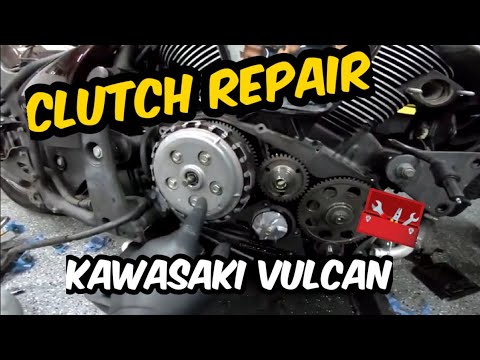 Kawasaki Vulcan Vn900b How to Replace the Clutch on a Kawasaki Vulcan 900? To replace the clutch on the Kawasaki Vulcan 900, loosen the screws that secure the chrome cover located at the bottom of the right side of the bike. Once the …Read all… Posted on 17 June 2026 by ScegliAuto  Kawasaki Vulcan Vn900b How to Remove the Front Wheel of the Kawasaki Vulcan? To remove the front wheel of the Kawasaki Vulcan, use a socket spanner to loosen the nut that secures the central axle. Once the nut is loosened, unscrew the …Read all… Posted on 4 June 2026 by ScegliAuto  Kawasaki Vulcan Vn900b How to Remove the Rear Wheel of a Kawasaki Vulcan Before you can start, lift the rear side of your Kawasaki Vulcan. Begin by removing the drive belt covers, unscrewing the fastening screws. Next, unscrew and …Read all… Posted on 21 May 2026 by ScegliAuto 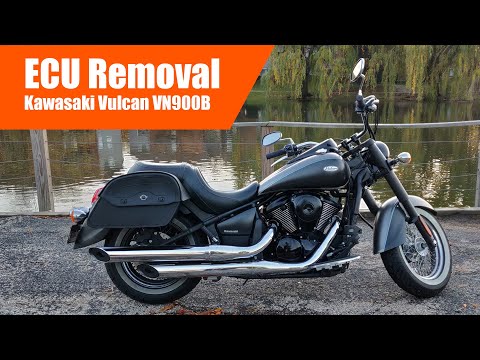 Kawasaki Vulcan Vn900b Removing the ECU from a Kawasaki Vulcan VN900B In today's tutorial, you will learn how to remove the ECU from a Kawasaki Vulcan VN900B in simple and quick steps. First, remove the seat of your motorcycle; …Read all… Posted on 17 May 2026 by ScegliAuto |
How to Reset the Tyre Pressure Light on a Cupra Formentor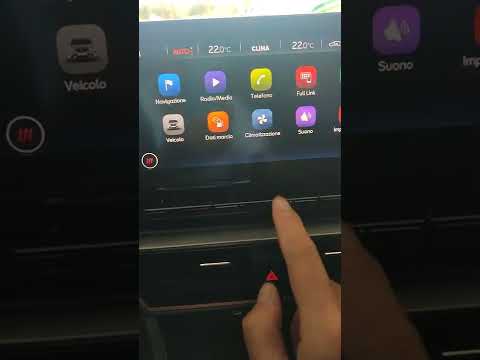
In this brief and simple video tutorial, learn how to reset the tyre pressure on a Cupra Formentor. Start by pressing the ignition button to turn on the instrument cluster. Now, use the touchscreen display on the central console to open the car menu. From here, select the driving data option, then the tyre pressure option. Now, click on the "SET" button with the pressure warning symbol and confirm the correct tyre pressure required by the manufacturer to perform the reset. by ScegliAuto More videos
|
|
For advertising on this site Write to info@scegliauto.com
ScegliAuto is not responsible for any inaccuracy of the data in the lists. To report any inaccuracy or your business (if you own the business in question), please write to info@scegliauto.com
Number of seconds to generate the page: 0.015
(c) ScegliAuto 2026 - info@scegliauto.com - Privacy policy VAT number: IT01247470535 |
