
|
Do it yourself
| |||
| ||||


|
Model: Kawasaki Vulcan Vn900b
To replace the clutch on the Kawasaki Vulcan 900, loosen the screws that secure the chrome cover located at the bottom of the right side of the bike. Once the cover is removed, access the clutch: all the discs can be removed by unscrewing the five fastening bolts. Once the old clutch discs are removed, insert new replacement parts, securing them with their bolts. Finally, close everything by screwing the cover back on.
Updated on 1 May 2026 by ScegliAuto
Video tutorial
Related tutorials
Vulcan Vn900b
To replace the battery of the Kawasaki Vulcan, you need to unclip the pins that secure the seat to its housing so that it can be completely removed. …

Vulcan Vn900b
Before you can start, lift the rear side of your Kawasaki Vulcan. Begin by removing the drive belt covers, unscrewing the fastening screws. Next, uns…
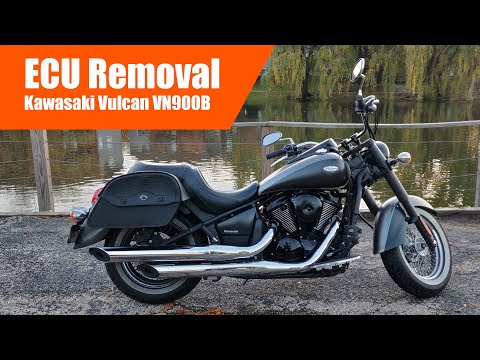
Vulcan Vn900b
In today's tutorial, you will learn how to remove the ECU from a Kawasaki Vulcan VN900B in simple and quick steps. First, remove the seat of your mot…
|
How to Replace the Tyres on the Husaberg FE 450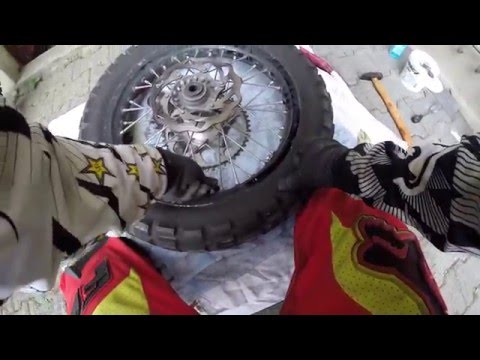
In this guide, follow the instructions to remove and replace the tyres on the Husaberg FE 450 enduro bike. First, place the bike on a stand and lift the wheel off the ground; then, undo the bolts securing the brake caliper to remove it, as shown in the video. Next, unscrew the central axle of the wheel, removing the tyre from the rim (deflating it and using levers); then install the new tyre, ensuring it has the correct dimensions, following the video tutorial to the end! by ScegliAuto More videos
|
|
For advertising on this site Write to info@scegliauto.com
ScegliAuto is not responsible for any inaccuracy of the data in the lists. To report any inaccuracy or your business (if you own the business in question), please write to info@scegliauto.com
Number of seconds to generate the page: 0.007
(c) ScegliAuto 2026 - info@scegliauto.com - Privacy policy VAT number: IT01247470535 |
