
|
Do it yourself
| |||
| ||||


|
Model: Keeway Cafe Racer 152
This guide provides instructions for installing the fuel filter on the Keeway Cafe Racer 152 in simple, quick steps. First, place your bike on the centre stand and disconnect the fuel line from the tank, which is connected to the fuel tap; then, close the fuel tap and cut the relevant hose, installing the appropriate fuel filter for your bike, as shown in the video. At this point, open the fuel tap and start the engine to check its operation!
Updated on 17 July 2026 by ScegliAuto
Video tutorial
Related tutorials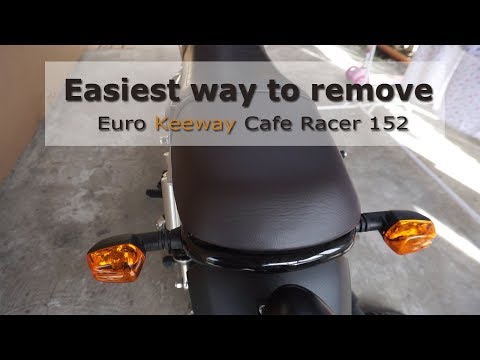
Cafe Racer 152
Start by removing the side plastic fairings that cover the bolts securing the seat of your Keeway Café Racer 152, using a socket key and a spanner wh…

Cafe Racer 152
To install the front fog lights on the Keeway Cafe Racer 152, position them on either side of the headlight so they can be secured to the front fork …

Cafe Racer 152
The procedure for replacing the battery of the Keeway Cafe Racer 152 is carried out by loosening the screws that secure the cover on the left side of…
|
How to Reset the Oil Light on the Honda Forza 300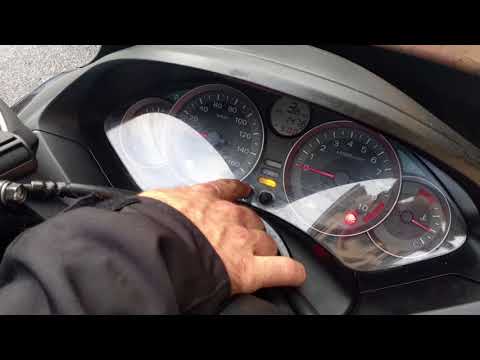
To reset the oil light on the Honda Forza 300, follow this procedure: first, turn off the engine. Once the engine is off, press and hold the right button in the centre of the dashboard. While holding the button, turn the key to position 2 to power on the dashboard and hold for 3 seconds. At this point, the oil light reset has been successful. You can then turn off and restart the engine to confirm. No tools are needed, and the process will take 1 minute. by ScegliAuto More videos
|
|
For advertising on this site Write to info@scegliauto.com
ScegliAuto is not responsible for any inaccuracy of the data in the lists. To report any inaccuracy or your business (if you own the business in question), please write to info@scegliauto.com
Number of seconds to generate the page: 0.400
(c) ScegliAuto 2026 - info@scegliauto.com - Privacy policy VAT number: IT01247470535 |
