
|
Do it yourself
| |||
| ||||


|
Today, learn how to change the time on the central display of the Kia Soul dashboard. First, get inside the vehicle and start the instrument panel; then press the "setup clock" button located on the right, entering the clock settings, as shown in the video. At this point, modify the hour and then the minutes, adjusting the format and subsequently the date if necessary; finally, exit the menu settings to save the changes made, verifying the correct change of time.
Posted on 4 April 2026 by ScegliAuto
Video tutorial
Related tutorials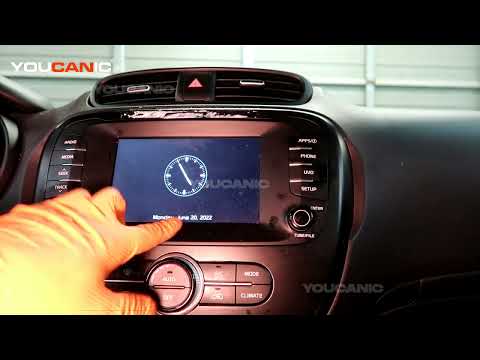
Kia Soul
(2013-2018 /
MK 2)
To manually change the time displayed on the central screen of your second-generation Kia Soul (2013-2018), follow these simple instructions. First, …

Kia Soul
(2013-2018 /
MK 2)
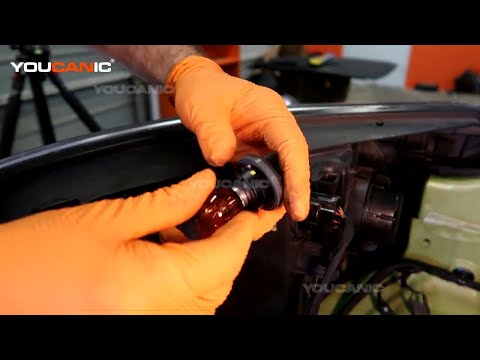
Before you start, open the bonnet of your Kia Soul. Begin by unscrewing and removing the bolts that secure the front headlamp to the vehicle. Next, d…
Kia Soul
(2013-2018 /
MK 2)
If the front headlamp bulb of your Kia Soul Mk2 is not functioning correctly and you want to replace it, simply follow the steps described in this gu…
Other guides you may be interested in
|
How to replace the horn on a Renault Duster - Dacia Duster
Today's main instructions will show you the procedure for removing and replacing the horn or sound signal on the Renault Duster, as well as the Dacia Duster. First, open the bonnet of the vehicle and start removing the front bumper by unscrewing all the fixing screws; you will find the horn right in front of the radiator, as shown in the video. At this point, disconnect the electrical connector and unscrew the bracket screw to remove and replace the horn with the new one; finally, reassemble the front bumper! by ScegliAuto More videos
|

|
For advertising on this site Write to info@scegliauto.com
ScegliAuto is not responsible for any inaccuracy of the data in the lists. To report any inaccuracy or your business (if you own the business in question), please write to info@scegliauto.com
Number of seconds to generate the page: 0.190
(c) ScegliAuto 2026 - info@scegliauto.com - Privacy policy VAT number: IT01247470535 |
