
|
Do it yourself
| |||
| ||||


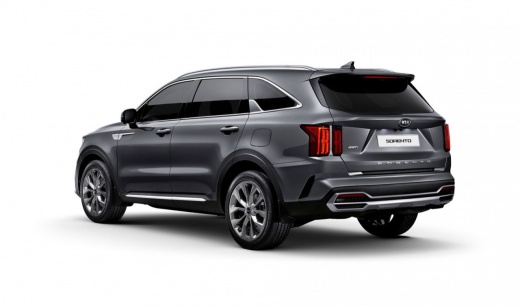
How to Reset the TPMS Light on a Kia Sorento
Model: Kia Sorento
MK 4
- Years 2020-2026
Video tutorial
Detailed instructions - Turn on the ignition of the Kia Sorento and press the main menu button on the steering wheel to access the vehicle settings. Use the arrow buttons to navigate through the interface to select the tyre pressure menu. Within the menu, you will see the current tyre pressures, and if the light is illuminated in red, you may need to check not only the pressure but also for any punctures. After checking via the onboard computer and inflating the tyres according to the manufacturer's maintenance guidelines, reset the light by pressing the OK button and wait for the new pressure to load, which will only be completed after driving on a flat road for about 12 miles.
Posted on 4 October 2026 by ScegliAuto
Related tutorials
Kia Sorento
(2020-2026 /
MK 4)
The tire pressure must be adjusted following the indications on a label from the vehicle manufacturer. On Kia Sorrento vehicles, the label is placed …
Kia Sorento
(2020-2026 /
MK 4)
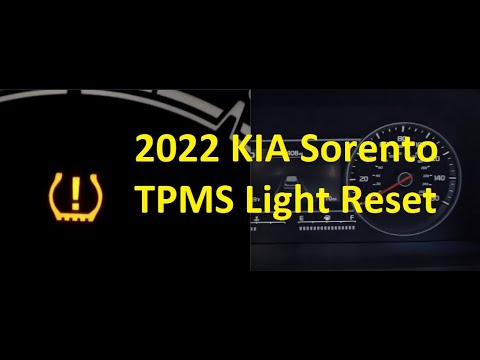
Let's briefly review the instructions for resetting the tyre pressure warning light (TPMS) on the Kia Sorento; before performing the reset, ensure th…
Kia Sorento
(2020-2026 /
MK 4)
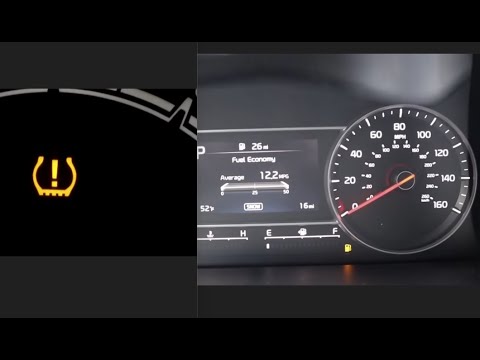
The TPMS light illuminates on a vehicle when the tyre pressure does not meet the manufacturer's specifications. After inflating the tyres to the manu…
Other guides you may be interested in
|
How to Recline the Rear Seats in a Renault Kwid?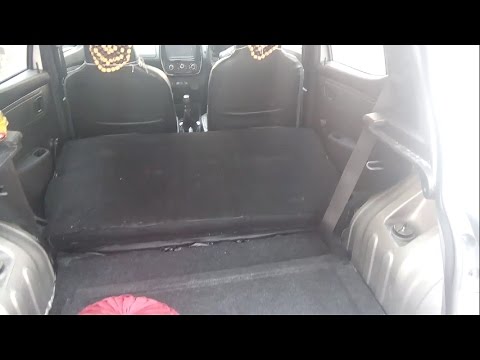
In this tutorial, see how to fully recline the rear seats in a Renault Kwid, a very simple and quick operation to increase space in the trunk. To do this, first enter the vehicle and open the hatch. Then, remove the upper panel and locate the two metal hooks on both sides of the seatback. Next, unlock both by pulling towards you and push the seat forward, lowering it completely. To return the seatback to position, simply pull it towards you and secure it to the two hooks. by ScegliAuto More videos
|
|
For advertising on this site Write to info@scegliauto.com
ScegliAuto is not responsible for any inaccuracy of the data in the lists. To report any inaccuracy or your business (if you own the business in question), please write to info@scegliauto.com
Number of seconds to generate the page: 0.165
(c) ScegliAuto 2026 - info@scegliauto.com - Privacy policy VAT number: IT01247470535 |
