
|
Do it yourself
| |||
| ||||


How to Replace the Timing Belt in a 2017 Kia Sportage
Model: Kia Sportage
- Years 2016-2022
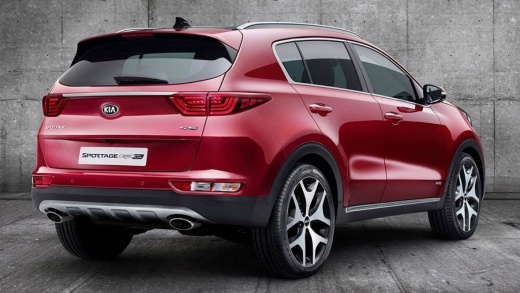
To replace the timing belt in a Kia Sportage, you need to lift the vehicle on a jack and remove the right front wheel. Next, remove the wheel arch liner by unfastening the clips using a flat screwdriver. Using a 17 mm spanner, unscrew the bolt on the tensioner pulley to loosen the belt and slide it off easily. To remove the elastic belt, use a ratchet spanner with a 22 mm socket. For reinstallation, insert the elastic belt, greased inside the pulley, and tighten it using the 22 mm spanner. Fit the timing belt into the groove and tighten the bolt on the tensioner pulley with the 17 mm spanner. Refit the wheel arch liner and the right front wheel before lowering the vehicle.
Posted on 6 October 2026 by ScegliAuto
Video tutorial
Related tutorials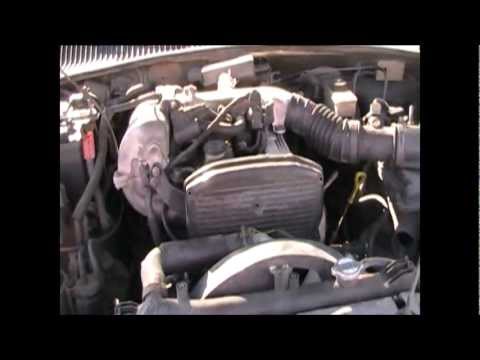
Kia Sportage
(1993-2002 /
JA, MK 1)
This guide outlines the main steps to remove and replace the timing belt on the Kia Sportage 2.0L diesel. First, open the bonnet of your car and begi…

Kia Sportage
(2004-2010 /
MK 2, KM)
Today's main steps will show us the necessary instructions on how to disassemble and replace the timing belt of the Kia Sportage 2.7 V6; the manufact…
Kia Sportage
(2010-2016 /
SL, MK 3)
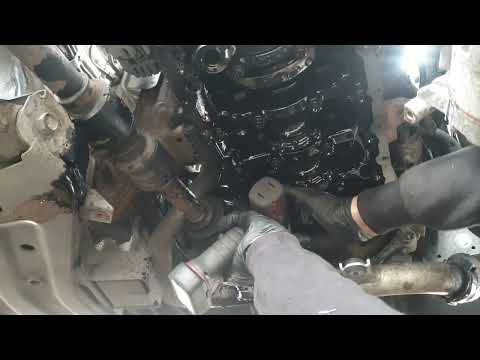
Replacing the timing belt is necessary when it starts to show signs of wear, such as unusual noises. In the following video tutorial, you will see ho…
Other guides you may be interested in
|
How to Activate Bluetooth on the BMW 1 Series?
To activate Bluetooth on the BMW 1 Series, turn on the ignition so you can press the MENU button on the central control panel. This will allow you to select the "TEL" option to make the device visible. Then, connect to the radio using your mobile phone, selecting the device called "BMW" followed by a five-digit code. This code must be entered using the radio controls, confirming with OK. After entering and confirming, you will notice that the pairing between the devices has occurred. by ScegliAuto More videos
|
|
For advertising on this site Write to info@scegliauto.com
ScegliAuto is not responsible for any inaccuracy of the data in the lists. To report any inaccuracy or your business (if you own the business in question), please write to info@scegliauto.com
Number of seconds to generate the page: 0.763
(c) ScegliAuto 2026 - info@scegliauto.com - Privacy policy VAT number: IT01247470535 |
