
|
Do it yourself
| |||
| ||||


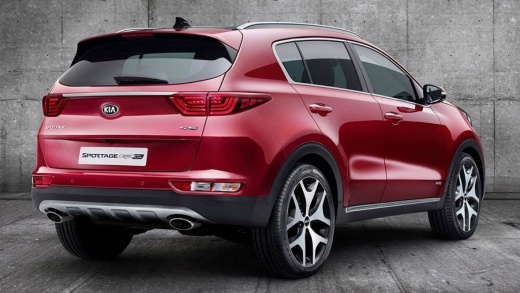
Kia Sportage MK4 Battery Replacement
Model: Kia Sportage
QL, MK 4
- Years 2016-2022
If the battery of the Kia Sportage is flat and cannot be recharged, you need to replace it. Open the bonnet, remove the two plastic clips that secure the air duct, and pull it out. Underneath, you will find the battery housing. Using a socket wrench with an extension, undo the nut that secures the bracket to the base of the battery. Disconnect and remove the two terminals from the battery, then take out the old battery using its handle. Insert a new battery of the same specifications, secure it with the bracket to the base, tighten the terminals onto the battery posts, and refit the air duct, securing it with its clips.
Updated on 18 September 2026 by ScegliAuto
Video tutorial
Related tutorials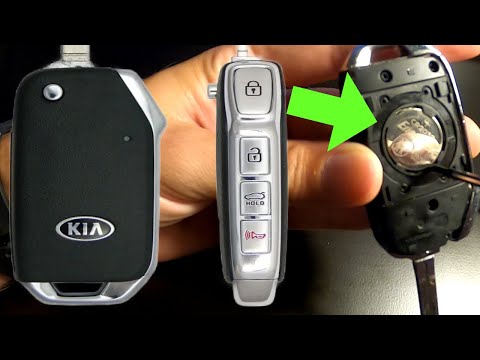
Kia Sportage
(2016-2022 /
QL, MK 4)
If you are wondering how to properly replace the battery inside the key of your Kia Sportage Mk4 (year 2016-2022) then all you have to do is carefull…
Kia Sportage
(2016-2022 /
QL, MK 4)
Today, we will discover the instructions to disassemble and replace the remote key battery on the Kia Sportage MK4 in simple steps. First, take the r…
Kia Sportage
(2016-2022 /
QL, MK 4)
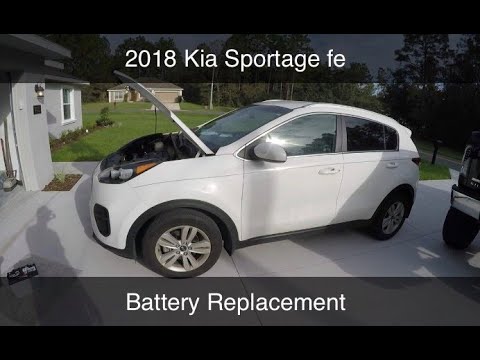
In this video tutorial, see how to replace the battery in a Kia Sportage, model produced from 2016 to 2022. Start by opening the bonnet and removing …
Other guides you may be interested in
|
How to Open the Bonnet of a Renault Megane if the Lever is Broken?
If the lever that unlocks the bonnet of the Renault Megane is broken or not functioning, there is an emergency procedure to unlock the mechanism: remove the right front grille located at the top of the bumper. Once the grille is removed, you can locate the actuator mechanism: by pulling the spring in this position, you can unlock the actuator, allowing you to lift the bonnet and access the components located inside the engine compartment. You can then close the bonnet simply by lowering it. by ScegliAuto More videos
|
|
For advertising on this site Write to info@scegliauto.com
ScegliAuto is not responsible for any inaccuracy of the data in the lists. To report any inaccuracy or your business (if you own the business in question), please write to info@scegliauto.com
Number of seconds to generate the page: 0.160
(c) ScegliAuto 2026 - info@scegliauto.com - Privacy policy VAT number: IT01247470535 |
