
|
Do it yourself
| |||
| ||||


Model: Ktm Duke 125
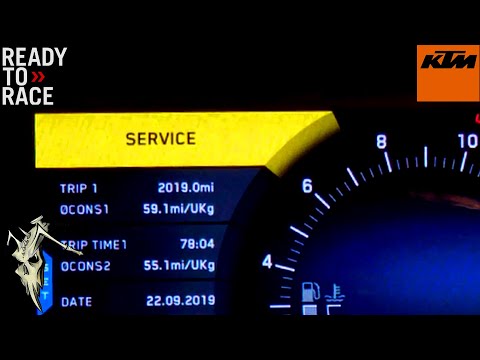
This article explains how to reset the service light on the KTM Duke 125 if it remains illuminated even after the service has been completed. To reset the light, first, turn on the ignition without starting the engine, press and hold the MODE button until the odometer reading appears with the label ODO. Now, press the SET button until you find the maintenance light, then press and hold the SET button for about 10 seconds to perform the reset. After 10 seconds, the reset will be complete, so release the button and restart the ignition to verify that the reset procedure was successful.
Posted on 13 July 2026 by ScegliAuto
Video tutorial
Related tutorials
Duke 125
If the service light continues to appear on the central display of your KTM Duke 125 even after having performed the service, do not worry because yo…
Duke 125
Before starting, sit on the seat of your KTM Duke 125. First, activate the instrument cluster by simply turning the key in the ignition. Next, press …

Duke 125
In this tutorial, see how to reset the service on a KTM Duke 125, a very simple and quick operation to be performed only after completing all schedul…
|
What Does the V-Belt Light Indicate on a Yamaha NMAX Scooter and How to Remove It?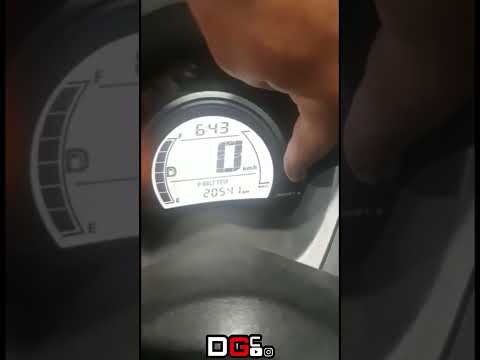
If the V-BELT light has illuminated on the instrument cluster of your Yamaha NMAX scooter, it means it is time to replace the drive belt as it has exceeded the relevant interval. You can entrust this maintenance task to your trusted workshop; the cost will not be particularly excessive. Once this is done, you can manually reset the light by following the procedure shown in this tutorial. First, turn on the instrument cluster, then repeatedly press the left button on the dashboard to reach the service interval in question. At this point, press and hold the right button once to initialise the reset, and a second time to complete it. by ScegliAuto More videos
|
|
For advertising on this site Write to info@scegliauto.com
ScegliAuto is not responsible for any inaccuracy of the data in the lists. To report any inaccuracy or your business (if you own the business in question), please write to info@scegliauto.com
Number of seconds to generate the page: 0.011
(c) ScegliAuto 2026 - info@scegliauto.com - Privacy policy VAT number: IT01247470535 |
